
Continuity in Metric Spaces
Loading the math board and drawing, please wait…
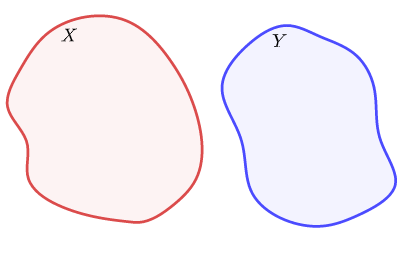
This example demonstrates the concept of continuity in metric spaces. By constructing a series of points and functions, it illustrates the properties of continuous functions. Commands used include Sequence, Spline, Vector, Rotate, Translate, etc., suitable for high school and above students.
GeoGebra Commands & Parameters
Sequence(Max[0, Min[1, k - s]], s, 0, top - 1) → slSequence(0 < sl(s) < 1, s, 1, top) → scSequence(0 < sl(s) ≤ 1, s, 1, top) → sc'Spline({A, B, C, D, E, F, G, H, I, J, K, L, A}, 3) → aVector(A1, A2) → uRotate(Translate[Dilate[a, 1.3], Vector[u - (0, 1)]], 1.12, A2) → bSpline({M, N, O, P, Q, R, S, T, U, V, W, Z, M}, 3) → cRotate(Dilate[c, 1.3, A1], 1.2, A1) → dTranslate(Rotate[Dilate[b, 1.5, A2], 3.13, A2], (0.2, -1)) → eSpline({A_1, B_1, C_1, D_1, E_1}, 3) → fPoint(f) → F_1Point(f) → G_1Vector(F_1, G_1) → vCircle(A2, 2.25) → gPointIn(g) → H_1Circle(A2, H_1) → pVector(A2, H_1) → wCircle(A1, (abs(w) * 1.1)) → hPoint(h) → I_1Vector(A1, I_1) → i
AI Drawing Prompt Reference
Create a visual representation of continuity in metric spaces. Start by constructing a series of points and connecting them with cubic spline curves to form a function. Then, generate multiple transformed versions of the spline using translation, dilation, and rotation, with vectors guiding the transformations. Finally, add circles and points to highlight continuity, where the radius of the circles dynamically changes based on vector lengths, and points are located on the circles relative to specific vectors.
The prompt above was compiled from the original drawing commands and is for reference only.