
Construction Protocol Demo
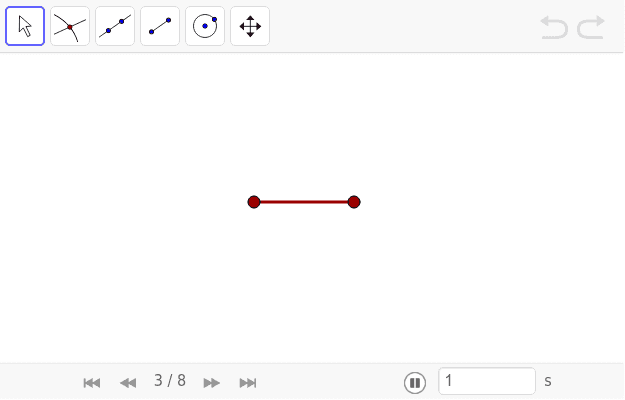
Loading the math board and drawing, please wait…
This example demonstrates how geometric elements like line segments, circles, intersections, and lines are dynamically constructed by clicking Play. It involves core mathematical concepts including line segments, circles, intersections, lines, logic, quadratic functions, sine functions, and percentage calculations. The construction uses GeoGebra commands such as Segment, Circle, Intersect, and Line, along with objects A, B, a, c, d, C, D, b, and text1. It is suitable for high school mathematics education to showcase geometric construction techniques and dynamically illustrate mathematical concepts.
GeoGebra Commands & Parameters
Segment(A, B) → aCircle(B, A) → cCircle(A, B) → dIntersect(c, d) → C, D, ,Line(D, C) → b
AI Drawing Prompt Reference
Start by drawing a line segment. Then construct two circles, each centered at one endpoint of the segment and passing through the other endpoint, so the circles intersect. Mark the two intersection points of the circles. Finally, draw a straight line through these two intersection points. The final figure consists of a segment, two intersecting circles, two intersection points, and a line connecting them, illustrating a basic geometric construction.
The prompt above was compiled from the original drawing commands and is for reference only.