
Construction and Properties of Triangle Altitudes
Loading the math board and drawing, please wait…
In collections
Points of Concurrency
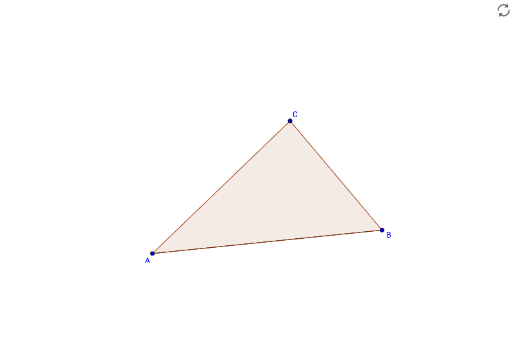
①This example demonstrates how to construct the altitudes (perpendicular segments) of a triangle in GeoGebra, showing that the three altitudes intersect at a single point (the orthocenter). ②Core mathematical concepts include triangle altitudes, orthocenter, and special properties of altitudes in equilateral and isosceles triangles, along with the use of rational numbers and fractions in coordinate representation. ③Construction details: The Segment command is used to draw line segments, the Polygon command creates triangle poly1, with vertices defined by objects A, B, and C; perpendicular lines are constructed to obtain altitudes a_1 and b, resulting in a complete altitude diagram. ④Suitable for middle and high school students learning triangle properties, geometric construction, and dynamic geometry software operation, useful for classroom demonstrations or independent exploration of the concurrency of altitudes.
GeoGebra Commands & Parameters
Segment(A, B) → aPolygon(A, B, C) → poly1, c, a_1, b
AI Drawing Prompt Reference
Draw a triangle and show its three altitudes, the perpendicular segments from each vertex to the opposite side, proving they intersect at a single point (orthocenter). Label the altitudes, orthocenter, and highlight special properties of altitudes in equilateral and isosceles triangles, using rational numbers and fractions for vertex coordinates, suitable for middle and high school students learning triangle properties and geometric construction.
The prompt above was compiled from the original drawing commands and is for reference only.