
Constructing Squares with Coordinates: A Geometric Exploration
Loading the math board and drawing, please wait…
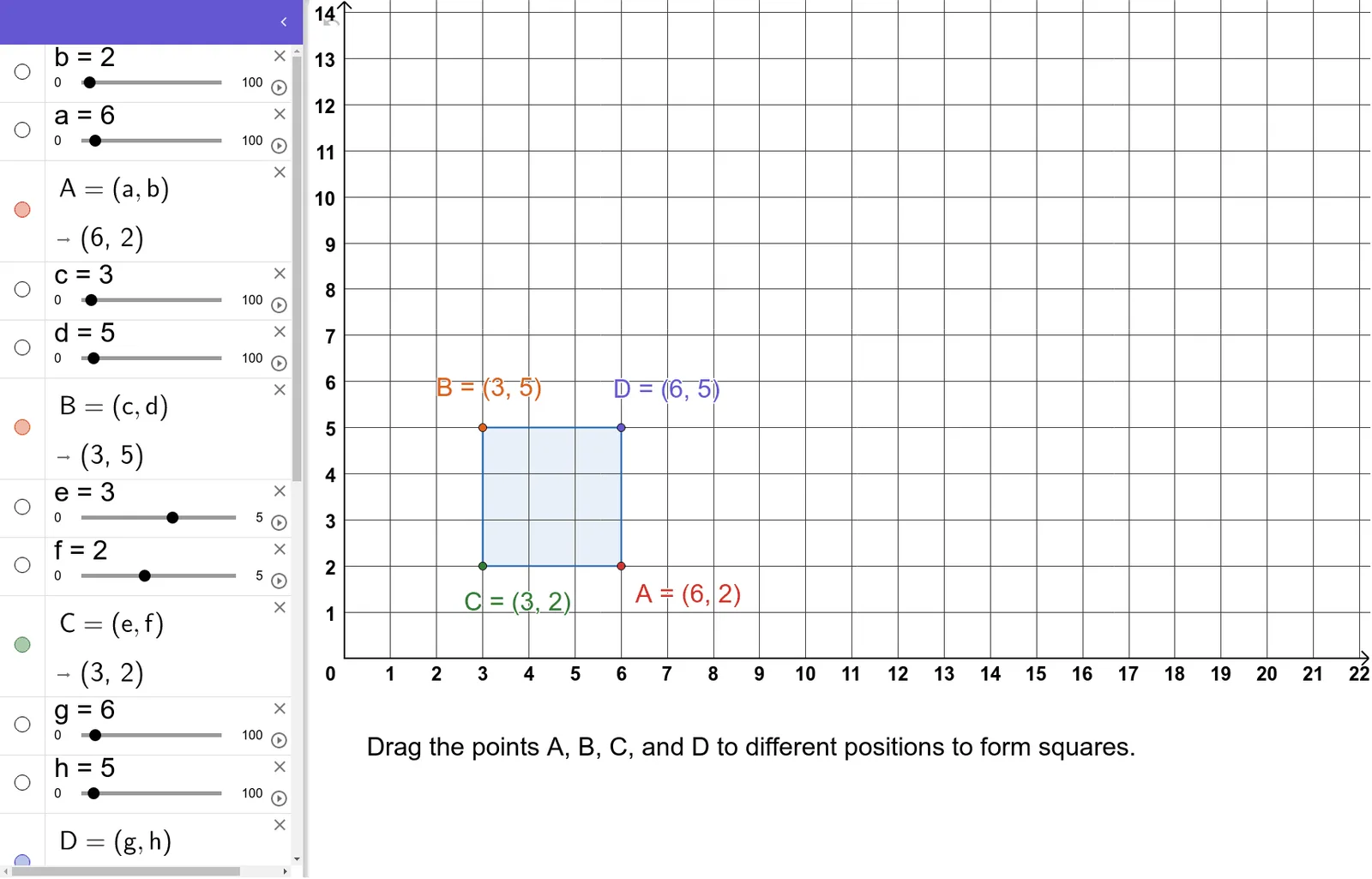
This example demonstrates how to construct a square using given point coordinates, visualizing its vertices, edges, and center. Core mathematical concepts include coordinate geometry, polygon (square) properties, centroid (barycenter), and rational number coordinates. The construction uses GeoGebra's Polygon command, sequentially connecting points a, b, c, d and other objects to form the square and its internal structure, potentially involving parametric curves and set theory representations. Suitable for middle and high school students, this activity helps understand coordinate-based shape construction, verify square properties, and learn precise geometric drawing with dynamic software.
GeoGebra Commands & Parameters
Polygon(B, C, A, D) → q1, b_1, c_1, a_1, d_1
AI Drawing Prompt Reference
Draw a square with its vertices, edges, and center highlighted. Construct the square using given point coordinates based on coordinate geometry principles, and visualize its internal structure including the centroid and parametric curves. The square's edges connect the four vertices sequentially, and label the square's center of gravity and edge lengths to demonstrate properties of coordinate geometry and regular polygons, suitable for middle and high school students to learn geometric construction and dynamic drawing.
The prompt above was compiled from the original drawing commands and is for reference only.