
Constructing a Right Triangle by Tim Brzezinski
Loading the math board and drawing, please wait…
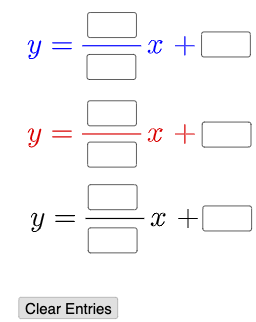
This example demonstrates how to construct a right triangle using three lines. It involves core mathematical concepts such as coordinate geometry, linear equations, and triangle properties. Key GeoGebra commands and objects used include Textfield, Mode, If, Intersect, Polygon, and InteriorAngles to build the figure by inputting points and calculating intersections. Suitable for high school mathematics education to understand the relationship between linear functions and geometric shapes.
GeoGebra Commands & Parameters
Textfield(a) → InputBox1Textfield(b) → InputBox2Textfield(c) → InputBox3Textfield(d) → InputBox4Textfield(e) → InputBox5Textfield(f) → InputBox6Textfield(g) → InputBox7Textfield(h) → InputBox8Textfield(i) → InputBox9Textfield(j) → InputBox10Mode(l1) → l2If(Length[l2] ≟ 0, "No digits repeat.", "Repeated digits exist.") → text4Intersect(q, r, 1) → AIntersect(p, r, 1) → BIntersect(p, q, 1) → CPolygon(A, B, C) → t1, c_1, a_1, b_1InteriorAngles(t1) → α, β, γ
AI Drawing Prompt Reference
Draw a right triangle by entering the coordinates of the endpoints of three line segments to determine the vertices of the triangle. First, enter the coordinates of points A and B for line segment AB, then enter the coordinates of points B and C for line segment BC, and finally enter the coordinates of points A and C for line segment AC. Based on the input coordinates, calculate and determine the three vertices A, B, and C of the triangle, then draw triangle ABC and label its interior angles α, β, and γ.
The prompt above was compiled from the original drawing commands and is for reference only.