
Constructing a Parallel Line Through a Point
Loading the math board and drawing, please wait…
In collections
Geometry Constructions
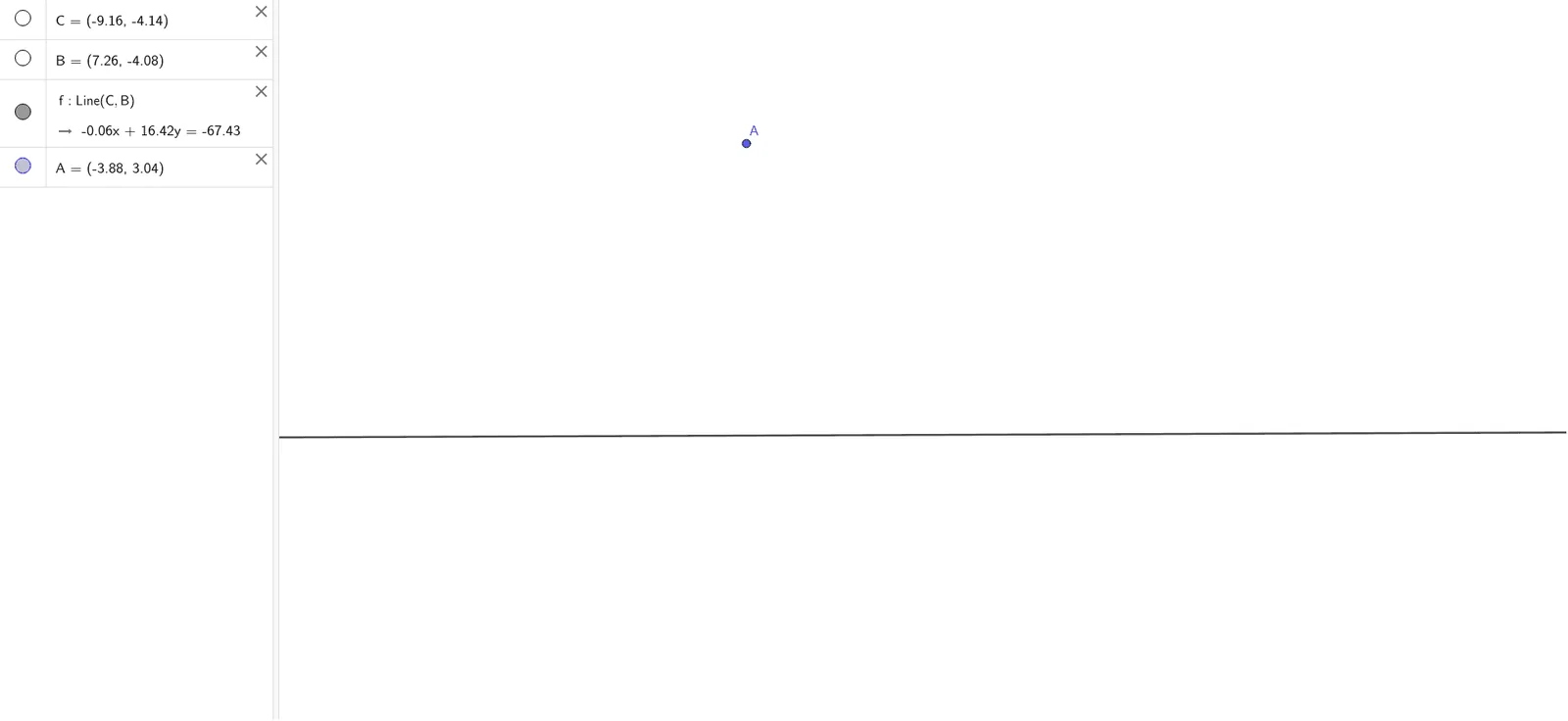
This example demonstrates how to construct a parallel line through a given point on a plane. The core mathematical concepts involved include the definition of parallel lines, geometric construction techniques, and the representation of lines. Key construction steps involve using the Line command in GeoGebra with objects C, B, f, and A to define and locate the parallel line. This example is suitable for middle school and above students learning geometric constructions and spatial geometry concepts, aiding in understanding the properties and applications of parallel lines.
GeoGebra Commands & Parameters
Line(C, B) → f
AI Drawing Prompt Reference
Given a point on a plane, draw a line through that point that is parallel to a given line. Start by identifying two reference points to define the base line. Then, using the given point, construct a new line with the same direction as the base line, ensuring the two lines never intersect. The final figure should show the base line, the given point, and the constructed parallel line, with their spatial relationship clearly indicated.
The prompt above was compiled from the original drawing commands and is for reference only.