
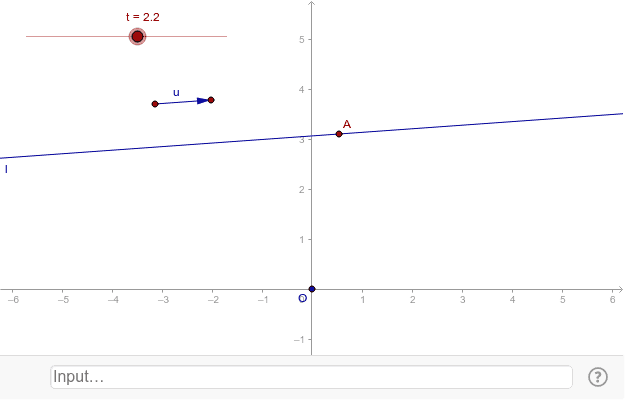
Construct the vector OP using u and t
Loading the math board and drawing, please wait…
This example demonstrates how to construct the vector OP using point O and vector u, showing its motion along the vector direction. Key math concepts include vectors, two-dimensional space, linear equations, and parametric equations. Construction highlights the use of GeoGebra commands like Vector, Intersect, and Line, with objects A_1, B, u, O, A, l, t. Suitable for high school students learning vector representation and motion in 2D space.
GeoGebra Commands & Parameters
Vector(A_1, B) → uIntersect(xAxis, yAxis) → OLine(A, u) → l
AI Drawing Prompt Reference
In a two-dimensional coordinate plane, mark the origin point. Draw a direction vector starting from the origin, whose orientation is determined by a given vector. Then construct a straight line through the origin parallel to this direction vector. Place a moving point on this line, and create a vector from the origin to this moving point. As the point slides along the line, the vector changes accordingly, illustrating the motion of a vector along a fixed direction. The figure includes coordinate axes, the origin, a direction vector, a parallel line, and a dynamic vector, showing the geometric relationship of vector translation in plane.
The prompt above was compiled from the original drawing commands and is for reference only.