
Construct a Square That Passes the Drag Test
Loading the math board and drawing, please wait…
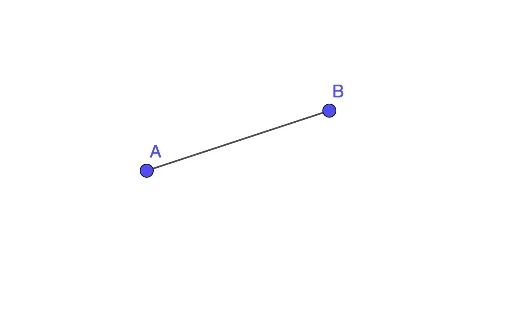
This example demonstrates how to construct a square that remains a square when its vertices or sides are dragged, passing the drag test. The core mathematical concepts are the geometric properties of a square (equal sides and right angles) and the constraints in dynamic geometry. The construction uses the GeoGebra Segment command, starting with points A and B to create a base segment, then generating the remaining vertices through rotations and perpendicular relationships to form the square. This example is suitable for middle or high school geometry classes, helping students understand rigorous geometric construction and experience the invariance of shapes under dragging in dynamic geometry software. By passing the drag test, students can visually verify the correctness of the construction, fostering geometric reasoning and dynamic thinking.
GeoGebra Commands & Parameters
Segment(A, B) → f
AI Drawing Prompt Reference
Draw a square that remains a square when you drag its vertices or sides. Start by creating two points A and B, then use rotations and perpendicular relationships to generate the remaining vertices, forming the square. Ensure the square has four equal sides and four right angles.
The prompt above was compiled from the original drawing commands and is for reference only.