
Cone Volume Demonstration
Loading the math board and drawing, please wait…
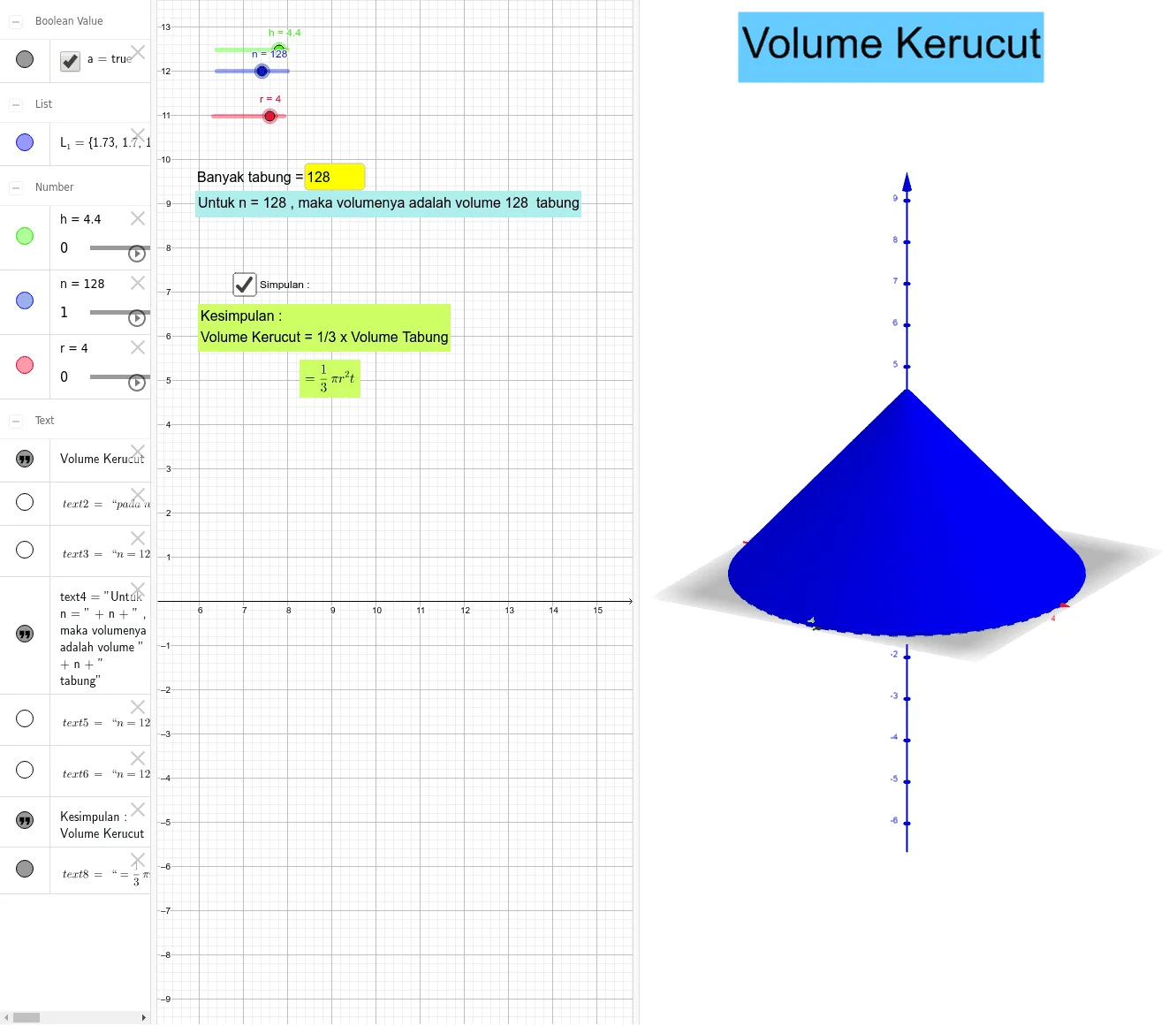
This example demonstrates the calculation of a cone's volume. Key mathematical concepts include the cone volume formula. Using GeoGebra commands like Sequence and Textfield, users can dynamically adjust the cone's height and base radius to observe changes in volume. Suitable for middle school students learning solid geometry.
GeoGebra Commands & Parameters
Sequence(Cylinder[(0, 0, (i * h / n)), (0, 0, ((i + 1) * h / n)), ((n - i) * r / n)], i, 0, n - 1) → L_1Textfield(n) → InputBox1
AI Drawing Prompt Reference
Draw a cone volume demonstration: approximate a cone by stacking a series of coaxial cylinders of equal height, with radii decreasing linearly from the base radius to zero at the tip; include a slider to control the number of cylinders n, dynamically changing the stack resolution, and allow adjustment of the cone’s height h and base radius r for interactive exploration.
The prompt above was compiled from the original drawing commands and is for reference only.