
Compound Interest Calculation and Explanation
Loading the math board and drawing, please wait…
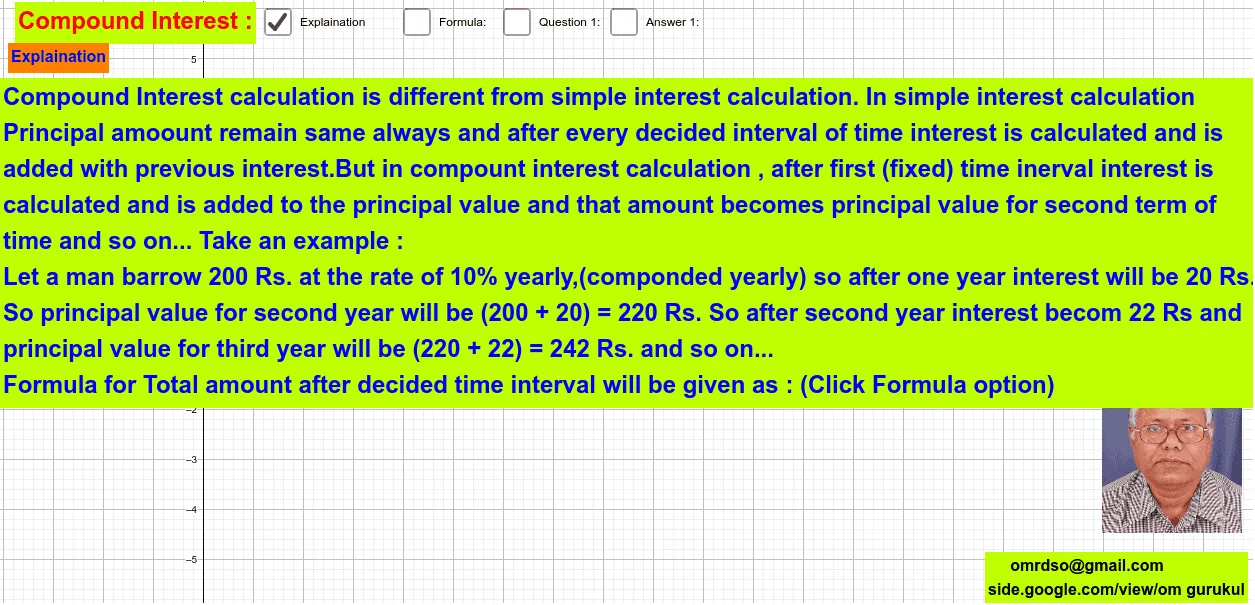
This example demonstrates the process of compound interest calculation, involving key mathematical concepts such as exponential functions and compound interest formulas. Using GeoGebra commands like Textfield, InputBox, and Calculation, users can dynamically adjust the interest rate, principal, and time to observe the pattern of compound interest growth. Suitable for high school math education and learning.
GeoGebra Commands & Parameters
Textfield(r) → InputBox1Textfield(PA) → InputBox2Textfield(t) → InputBox3Textfield(r) → InputBox4
AI Drawing Prompt Reference
Create a graph showing compound interest growth with three dynamic input boxes for interest rate, principal, and time. Adjust these inputs to observe the pattern of compound interest growth. Start by creating an input box for the interest rate, then add input boxes for the principal and time, and finally use these inputs to dynamically display the compound interest growth.
The prompt above was compiled from the original drawing commands and is for reference only.