
Circle vs. Sphere: Interactive Definition Comparison
Loading the math board and drawing, please wait…
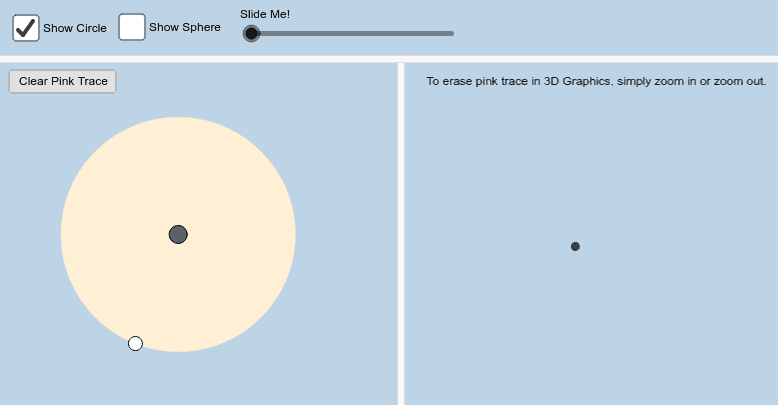
This interactive GeoGebra applet illustrates the definitions of a circle and a sphere, highlighting the difference between the planar set of points at a fixed distance from a center and the spatial analogue. The core mathematical concepts include Euclidean distance, equations of circles and spheres, and the transition from two‑dimensional to three‑dimensional geometry. The construction uses GeoGebra commands such as Circle, Sphere, Dilate, Point, Segment, and PointIn to create objects a, A, B, etc., and includes sliders for dynamic exploration. It is intended for high‑school and early‑college students studying geometry and spatial reasoning.
GeoGebra Commands & Parameters
Circle(A, B) → cDilate(A, If[0 < a ≤ 1, 1 - a, 0], B) → A'Point(c) → CDilate(A, If[0 < a ≤ 1, 1 - a, 0], C) → A'_1Segment(A, A'_1) → bSphere(A, B) → fPointIn(f) → DDilate(A, If[0 < a ≤ 1, 1 - a, 0], D) → A'_2Segment(A, A'_2) → g
AI Drawing Prompt Reference
Draw a circle on a plane and a sphere in space, connect the center of the circle to a point on its circumference with a line segment, and connect the center of the sphere to a point on its surface with another line segment, to illustrate the concept of fixed distance in two-dimensional and three-dimensional geometry, and use a slider to dynamically adjust the distance and observe changes.
The prompt above was compiled from the original drawing commands and is for reference only.