
Change Size of Spheres
Loading the math board and drawing, please wait…
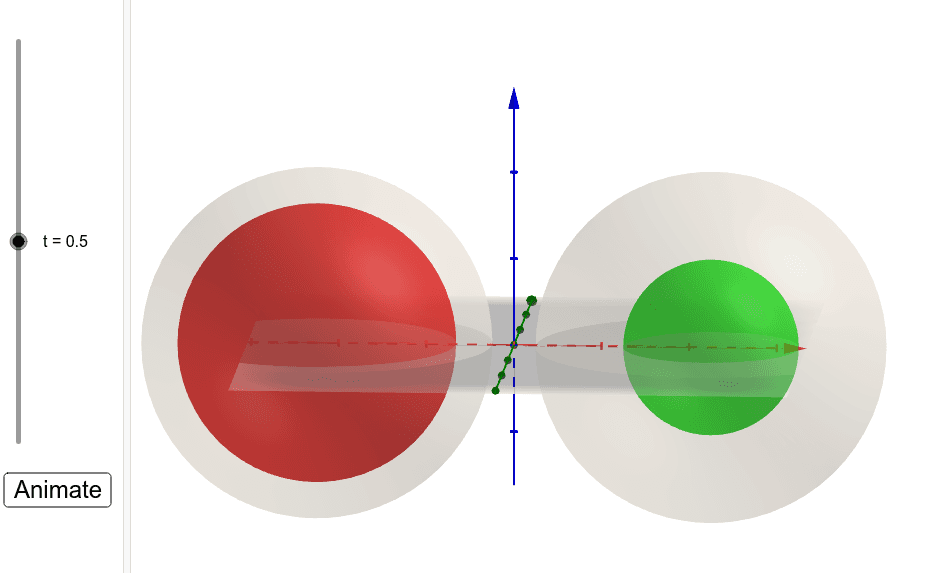
This example demonstrates dynamically adjusting the radius of spheres using sliders to visually illustrate the relationship between sphere volume and radius. Key mathematical concepts include solid geometry (spheres), power functions, and parametric equations in coordinate geometry. The construction utilizes GeoGebra commands such as Sphere, R (radius), t (parameter), c (color), f (function), g (graphics), A (point), B (point), At (point), Bt (point), start (start value), and b (boundary value). It is suitable for high school students learning solid geometry, functions, and parametric equations, serving as an effective tool for classroom instruction or homework practice.
GeoGebra Commands & Parameters
Sphere(((-c), 0, 0), R) → ASphere((c, 0, 0), R) → BSphere(((-c), 0, 0), f(t)) → AtSphere((c, 0, 0), g(t)) → Bt