
Area of Rhombus
Loading the math board and drawing, please wait…
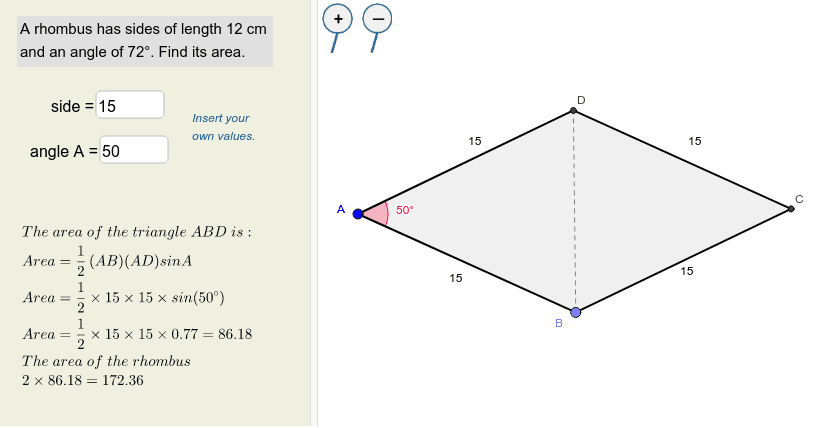
This example demonstrates how to calculate the area of a rhombus using trigonometric functions. It involves core mathematical concepts such as trigonometry and coordinate geometry. Using GeoGebra commands like Point, Rotate, Angle, Ray, Segment, Textfield, etc., a rhombus is constructed and its area is calculated. Suitable for students at the junior high school level and above to learn the method of calculating the area of a rhombus.
GeoGebra Commands & Parameters
Point(Circle[A, a]) → BRotate(B, g°, A) → B'Angle(B, A, B') → αRay(A, B') → cSegment(A, B) → eTextfield(a) → InputBox1Textfield(g) → InputBox2Circle(A, a) → dIntersect(d, c, 1) → DSegment(A, D) → bLine(B, b) → fLine(D, e) → hIntersect(f, h) → CSegment(B, C) → iSegment(C, D) → jPolygon(A, B, C, D) → poly1, a_1, b_1, c_1, d_1Segment(B, D) → k