
Area of a Kite by James Pearce
Loading the math board and drawing, please wait…
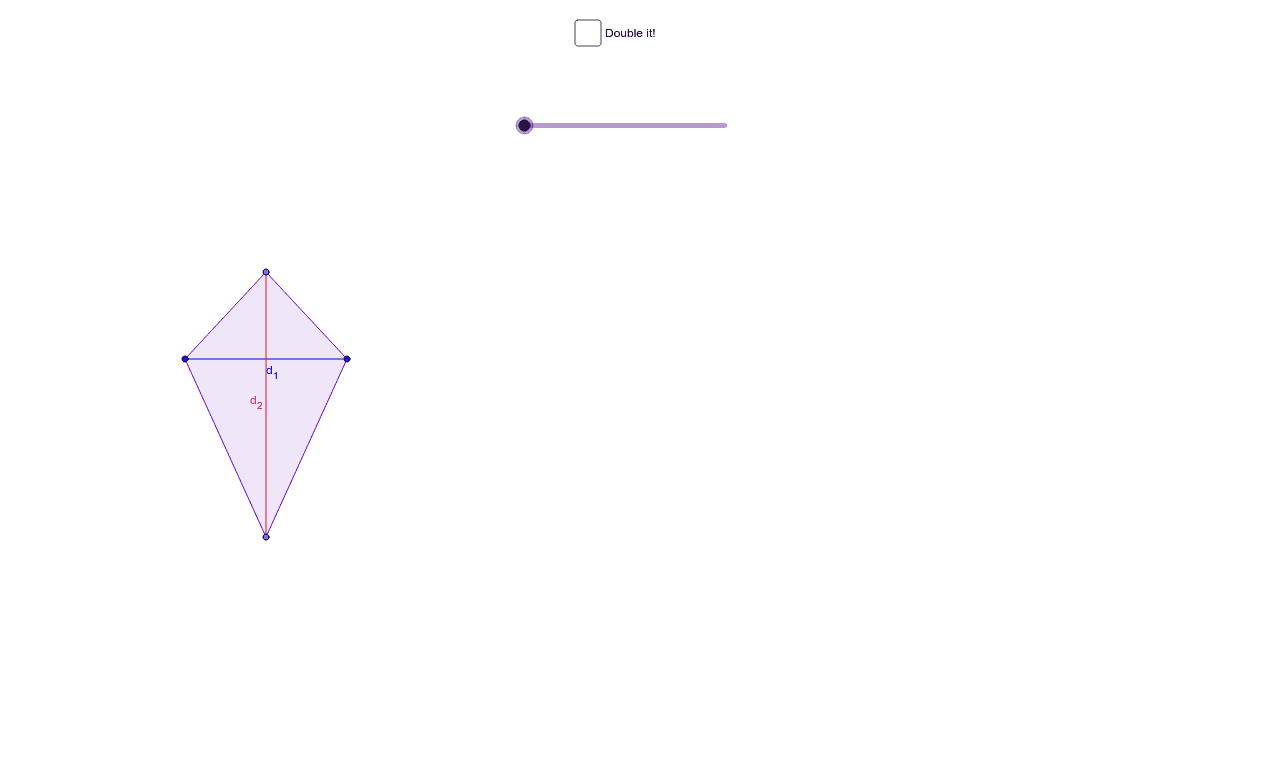
This example demonstrates the area calculation of a kite through an animation. Key mathematical concepts include the properties and area formula of a kite. Using GeoGebra commands such as Point, Polygon, Translate, and Rotate, the construction process of the kite is dynamically shown. Suitable for students in middle school and above to learn geometric construction and area calculation.
GeoGebra Commands & Parameters
Point(a) → APoint(a) → BMirror(C, a) → DPolygon(D, A, C, B) → poly1, d, a_1, c, bIntersect(xAxis, yAxis) → EPoint(xAxis) → FVector(E, F) → uTranslate(D, u) → D'Translate(A, u) → A'Translate(C, u) → C'Translate(B, u) → B'Polygon(D', A', C', B') → poly1', d', a', c', b'Segment(B', A') → eSegment(C', D') → fIntersect(e, f) → GMidpoint(C, B') → HMidpoint(D', B) → IMidpoint(A', C) → JMidpoint(A, D') → KPolygon(B', G, D') → poly2, d'_1, b'_1, g_1Rotate(B', g°, I) → B''Rotate(G, g°, I) → G'Rotate(D', g°, I) → D''Polygon(B'', G', D'') → poly2', d'', b'', g'Polygon(B', C', G) → poly3, g_2, b'_2, c'_1Rotate(B', g°, H) → B''_1Rotate(C', g°, H) → C''Rotate(G, g°, H) → G'_1Polygon(B''_1, C'', G'_1) → poly3', g'_1, b''_1, c''Polygon(C', G, A') → poly4, a'_1, c'_2, g_3Polygon(A', D', G) → poly5, g_4, a'_2, d'_2Rotate(C', (-(g°)), J) → C''_1Rotate(G, (-(g°)), J) → G'_2Rotate(A', (-(g°)), J) → A''Polygon(C''_1, G'_2, A'') → poly4', a'', c''_1, g'_2Rotate(A', (-(g°)), K) → A''_1Rotate(D', (-(g°)), K) → D''_1Rotate(G, (-(g°)), K) → G'_3Polygon(A''_1, D''_1, G'_3) → poly5', g'_3, a''_1, d''_1Segment(C, D) → d_1Segment(B, A) → d_2
AI Drawing Prompt Reference
Draw a kite to demonstrate its area calculation dynamically. Start by constructing the basic shape of the kite, then rotate the shape around its center to show symmetry. Next, draw the diagonals and find their intersection point, then create smaller triangles centered at this point. Finally, rotate these triangles to dynamically illustrate the area formula of the kite.
The prompt above was compiled from the original drawing commands and is for reference only.