
Angle Bisector (Basic Exercise)
Loading the math board and drawing, please wait…
In collections
Honors Geometry
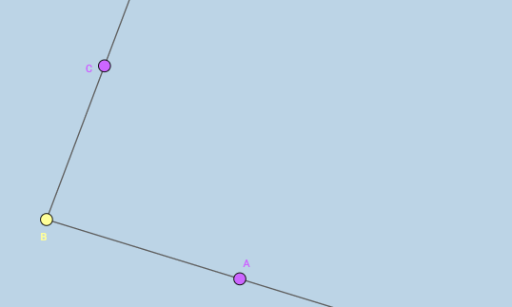
This example demonstrates the basic concept of angle bisectors. Key mathematical concepts include angle bisectors. Using GeoGebra commands such as Ray, users can visually understand the construction of angle bisectors. Suitable for middle and high school students learning geometric construction.
GeoGebra Commands & Parameters
Ray(B, A) → fRay(B, C) → g
AI Drawing Prompt Reference
Draw an angle with a vertex, and from that vertex extend two rays to the left and right, forming an angle. Place a point on each ray so that they define the two sides of the angle. Then, from the vertex, draw a ray that lies between the two sides, dividing the angle into two equal parts. This ray is the angle bisector. The figure should clearly show the vertex, the two sides, and the bisector, with labels for the vertex and the sides.
The prompt above was compiled from the original drawing commands and is for reference only.