
Addition of Directed Numbers - Practice
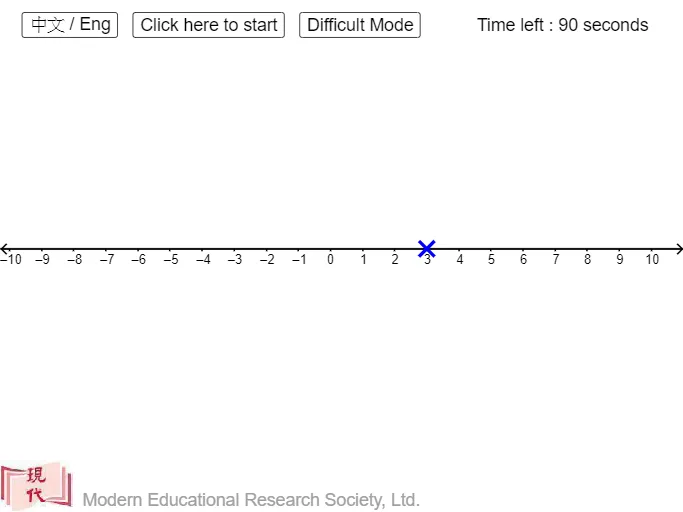
Loading the math board and drawing, please wait…
This example demonstrates the addition of directed numbers, involving key mathematical concepts such as the definition and addition of directed numbers. By examining the commands in the construction summary, one can understand how to create a dynamic practice of directed number addition using GeoGebra. Suitable for middle school and above students for mathematical practice and understanding.
GeoGebra Commands & Parameters
Point(xAxis) → BIf(x(B) - x(A) > 0, "+", "") → sign2If(x(B) - x(A) < 0, "+", "") → sign3If(x(A) > 0, "+", "") → signaIf(x(B) - x(A) > 0, "+", "") → signbaIf(x(B) > x(A), "+", "-") → op2If(x(B) > 0, "+", "") → signbSequence(Vector[(((k + x(A) - 0.05) * dis), 0.3), (((k + x(A)) * dis), 0.1)], k, 1, Div[x(B) - x(A), dis]) → l2Sequence(Vector[(((x(A) - k + 0.05) * dis), 0.3), (((x(A) - k) * dis), 0.1)], k, 1, Div[x(A) - x(B), dis]) → l4Corner(1) → CIf(num0 > 0, "+", "") → sign0If(num1 > 0, "+", "") → sign1Sequence(Semicircle[(((k - 0.9 + x(A)) * dis), 0.1), (((k + x(A)) * dis), 0.1)], k, 1, Div[x(B) - x(A), dis]) → l1Sequence(Semicircle[(((x(A) - k) * dis), 0.1), (((x(A) + 0.9 - k) * dis), 0.1)], k, 1, Div[x(A) - x(B), dis]) → l3
AI Drawing Prompt Reference
Draw the addition process of two directed numbers, starting from point A and moving right to point B, showing positive and negative signs and arrows, using semicircles to indicate direction changes, and finally displaying the result point C.
The prompt above was compiled from the original drawing commands and is for reference only.