
Adding Up to 5
Loading the math board and drawing, please wait…
In collections
Elementary Math Resources
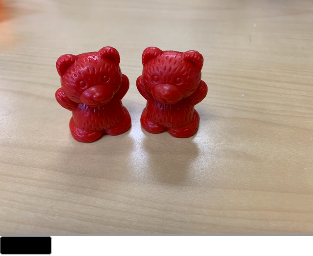
This example demonstrates the process of generating random numbers and their summation, visually representing addition operations. Core mathematical concepts include random number generation, addition, and basic geometric visualizations. Construction highlights involve using the Random command to generate random numbers, with objects such as A, B, pic0, a, C, D, pic1, E, F, pic2, G, H, pic3, I, J, pic4, K, L, pic5, and a button labeled button1. It is suitable for lower elementary students learning addition and introductory random concepts.
GeoGebra Commands & Parameters
Random(0, 5) → a, 2
AI Drawing Prompt Reference
Create a simple visual demonstration for learning addition with randomness. Generate a random integer value between 0 and 5 and clearly display it as the first addend. Then set up a straightforward sum/addition visualization that lets the viewer understand the idea of adding numbers together using that randomly generated value. Use basic geometric-style presentation to represent the addition and summation process, following the order: first the random number, then the sum display.
The prompt above was compiled from the original drawing commands and is for reference only.