
Acute, Obtuse or Reflex? Interactive Angle Classification Practice
Loading the math board and drawing, please wait…
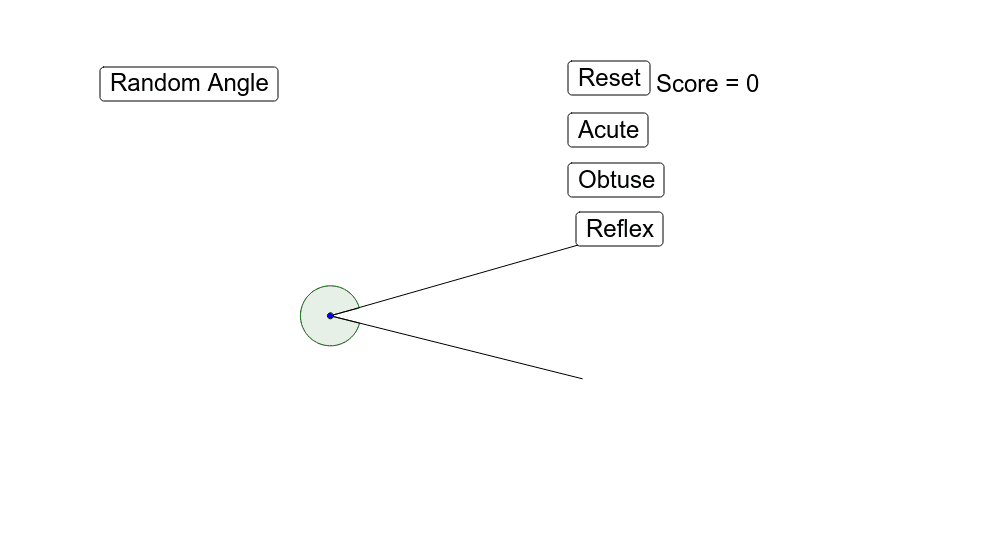
① This interactive applet randomly generates an angle and asks learners to classify it as acute, obtuse, or reflex, providing immediate feedback and keeping score. ② The core math concept is angle classification: acute (<90°), obtuse (90°–180°), and reflex (180°–360°), reinforcing angle measurement and comparison. ③ Construction uses GeoGebra commands: Random to generate random angles, Vector and Angle to create the angle, Segment for sides, Text for prompts; objects include buttons (button1–button5) for answer choices, variables score/scored for tracking, and correcttext/incorrecttext for feedback. ④ Suitable for upper elementary to middle school students, ideal for classroom engagement or self-paced practice to solidify understanding of angle types and improve quick judgment skills.
GeoGebra Commands & Parameters
Random(-10, 10) → aRandom(-10, 10) → bVector((a, b)) → BvecRandom(-10, 10) → cRandom(-10, 10) → dVector((c, d)) → CvecAngle(B, A, C) → angle1Segment(A, B) → seg1Segment(A, C) → seg2Text("Correct") → correcttextText("Incorrect") → incorrecttext
AI Drawing Prompt Reference
Draw a randomly generated angle with its vertex at the origin, with two sides defined by random vectors from the origin. The angle measure ranges from 0 to 360 degrees, possibly acute, obtuse, or reflex. Represent the two sides as line segments and label the angle measure. Add two text labels near the figure, one saying 'Correct' and the other 'Incorrect', for interactive feedback. Keep the diagram simple, focusing on angle classification practice.
The prompt above was compiled from the original drawing commands and is for reference only.