
A4 to A0 Paper Format Proportions
Loading the math board and drawing, please wait…
In collections
Folding paper, doing geometry figures
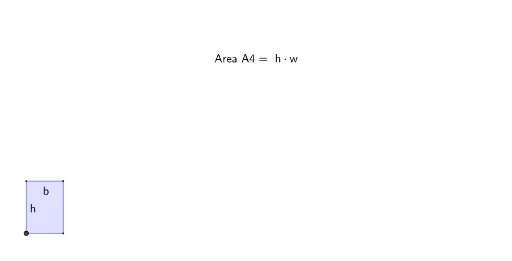
This example demonstrates the geometric proportions and size changes of paper formats from A4 to A0. It involves core math concepts like ratios, similar polygons, and geometric construction. Key GeoGebra commands used include Intersect, Point, Polygon, Segment, and Midpoint to construct and visualize the shapes and ratios of different paper sizes. Suitable for high school students learning geometric proportions and real-world applications.
GeoGebra Commands & Parameters
ConstructionStep() → stapIntersect(xAxis, yAxis) → APoint(xAxis) → BPolygon(A, B, D, C) → vierhoek1, a, b, d, cPolygon(A, E, G, F) → vierhoek2, a_1, e, g, fSegment((0, 1), (sqrt(2), 1)) → hSegment(A, G) → l_1Point(xAxis) → HPolygon(A, H, J, I) → vierhoek3, a_2, h_1, j, iMidpoint(j) → KMidpoint(h_1) → LSegment(K, D) → kSegment(D, L) → lSegment(A, J) → m_1Polygon(A, M, O, N) → vierhoek4, a_3, m, o, nMidpoint(o) → PMidpoint(m) → QSegment(P, E) → pPoint(c) → RPoint(n) → SSegment(S, U) → qSegment(F, Q) → rSegment(R, T) → sSegment(A, O) → n_1Point(xAxis) → VPolygon(A, V, Z, A_1) → vierhoek5, a_4, v, z_1, a_5Segment(B_1, W) → tSegment(B, C_1) → f_1Segment(H, D_1) → g_1Segment(C, H_1) → i_1Segment(I, J_1) → j_1Segment(E_1, I_1) → k_1Segment(A, Z) → p_1