
3D Vectors and Geometry Demo
Loading the math board and drawing, please wait…
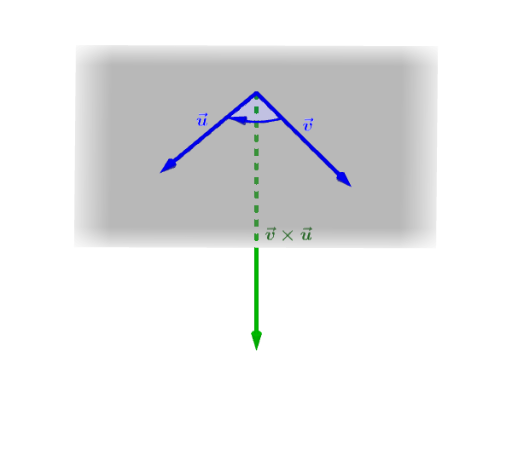
This example demonstrates vector representation, operations, and geometric transformations in three-dimensional space. It involves core math concepts like 3D vectors, vector operations, geometric transformations, and analytical geometry. The construction uses commands/objects such as Vector, Segment, Midpoint, Angle, Line, Point, Intersect, and CircleSector in GeoGebra. Suitable for high school students and math enthusiasts learning about vectors and 3D geometry.
GeoGebra Commands & Parameters
Vector(A, B) → uVector(A, C) → vVector(A, D) → wSegment(A, B) → fSegment(A, C) → gSegment(A, D) → hMidpoint(f) → EMidpoint(g) → FMidpoint(h) → GAngle(u, v) → αLine(A, B) → iLine(A, C) → jPoint(xAxis) → HLine(H, yAxis) → kIntersect(k, i) → IIntersect(k, j) → JCircleSector(A, I, J) → cPoint(c) → KVector(K, I) → a
AI Drawing Prompt Reference
Draw vectors from point A to points B, C, and D in 3D space, and connect these points with line segments. Find the midpoints of these segments and calculate the angle between the vectors. Draw lines from point A to points B and C. Determine the intersection of the x-axis and y-axis, and draw a line through this intersection. Find the intersections of these lines with the previous lines, and draw a circular sector.
The prompt above was compiled from the original drawing commands and is for reference only.