
3D Shape from Rotating a Rectangle Around the Y-Axis
Loading the math board and drawing, please wait…
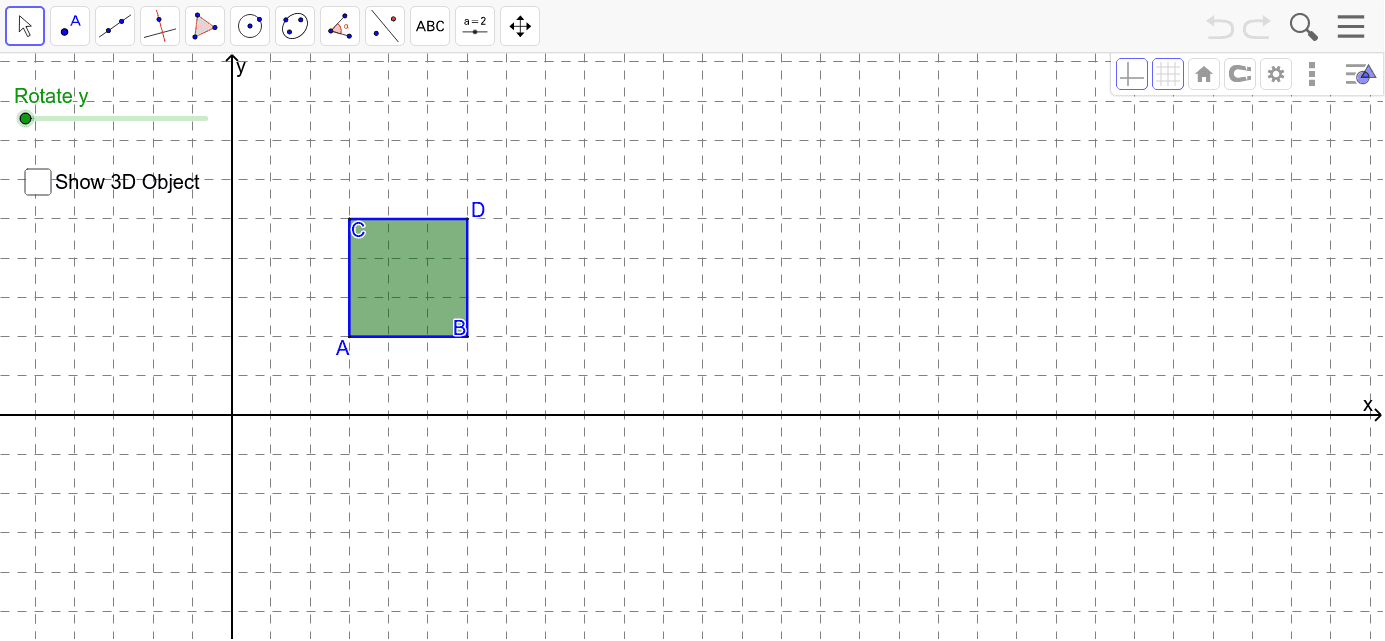
This example demonstrates the 3D shape created by rotating a rectangle around the y-axis. It involves core math concepts like solid geometry, rotation solids, and coordinate geometry. The construction uses GeoGebra commands/objects such as OrthogonalLine, Point, Intersect, Polygon, Segment, Cylinder, and Rotate. Suitable for high school students and above exploring spatial geometry and the formation of rotational solids.
GeoGebra Commands & Parameters
OrthogonalLine(A, xAxis) → aOrthogonalLine(A, a) → bPoint(b) → BPoint(a) → COrthogonalLine(C, a) → cOrthogonalLine(B, b) → dIntersect(c, d) → DPolygon(A, C, D, B) → poly1, a_1, c_1, d_1, b_1Intersect(a, xAxis) → EIntersect(d, xAxis) → FSegment(A, E) → eCylinder(E, F, e) → f, g, h, iCylinder(E, F, e + a_1) → j, k, p, lSegment(D, F) → mSegment(C, E) → nRotate(D, r, xAxis) → D'Rotate(B, r, xAxis) → B'Segment(D', B') → qRotate(B, r, xAxis) → B'_1Rotate(A, r, xAxis) → A'Segment(B'_1, A') → sRotate(C, r, xAxis) → C'Rotate(D, r, xAxis) → D'_1Segment(C', D'_1) → tRotate(A, r, xAxis) → A'_1Rotate(C, r, xAxis) → C'_1Segment(A'_1, C'_1) → e_1Rotate(B, (-r), xAxis) → B'_2