
3D Implicit Surface Grapher: Tanglecube
Loading the math board and drawing, please wait…
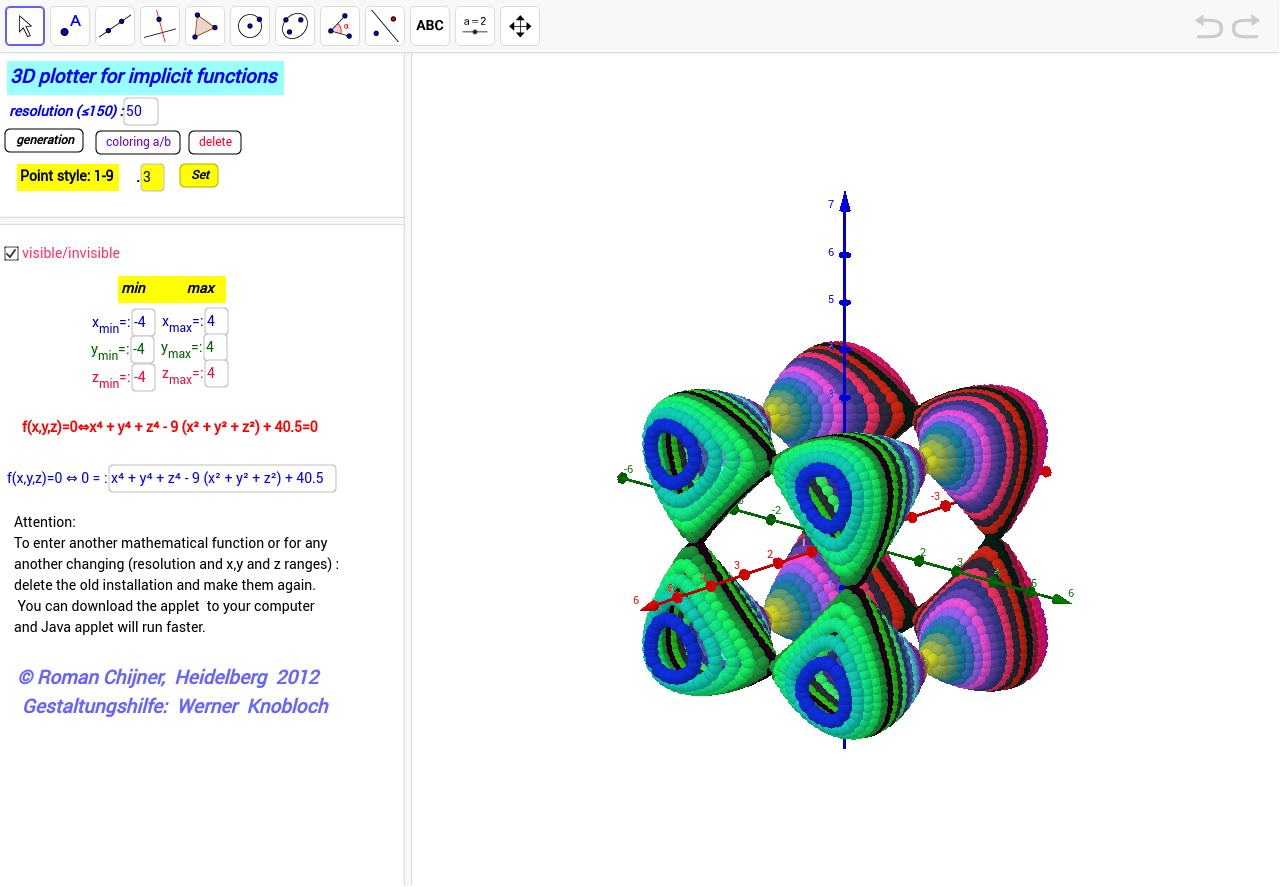
This example demonstrates how to graph complex 3D surfaces using predefined implicit functions. It involves core mathematical concepts such as implicit functions, 3D analytical geometry, and surface equations. Key GeoGebra commands/objects used include Textfield, objects g, Nn, y_max, z_max, y_min, dy2, z_min, dz2, Funktion, x_max, x_min, dx2, button2, u0, Autor, and more. Suitable for high school students and above to explore properties of complex geometric shapes, as well as for analysis in calculus and linear algebra.
GeoGebra Commands & Parameters
Textfield(x_{min}) → Textfeld1Textfield(y_{min}) → Textfeld2Textfield(z_{min}) → Textfeld3Textfield(x_{max}) → Textfeld4Textfield(y_{max}) → Textfeld5Textfield(z_{max}) → Textfeld6Textfield(Nn) → Textfeld10Textfield(g) → Textfeld13Textfield(b) → inputBox1
AI Drawing Prompt Reference
Create a graph of a complex 3D implicit surface using predefined functions, demonstrating how to visualize such shapes. Include input fields for setting the minimum and maximum values along the x, y, and z axes, as well as parameters like grid density. The resulting 3D analytical geometry plot should be suitable for exploring properties of intricate geometric forms and analyzing concepts in calculus and linear algebra.
The prompt above was compiled from the original drawing commands and is for reference only.