
2^x in 3D Number Line
Loading the math board and drawing, please wait…
In collections
Complex Math
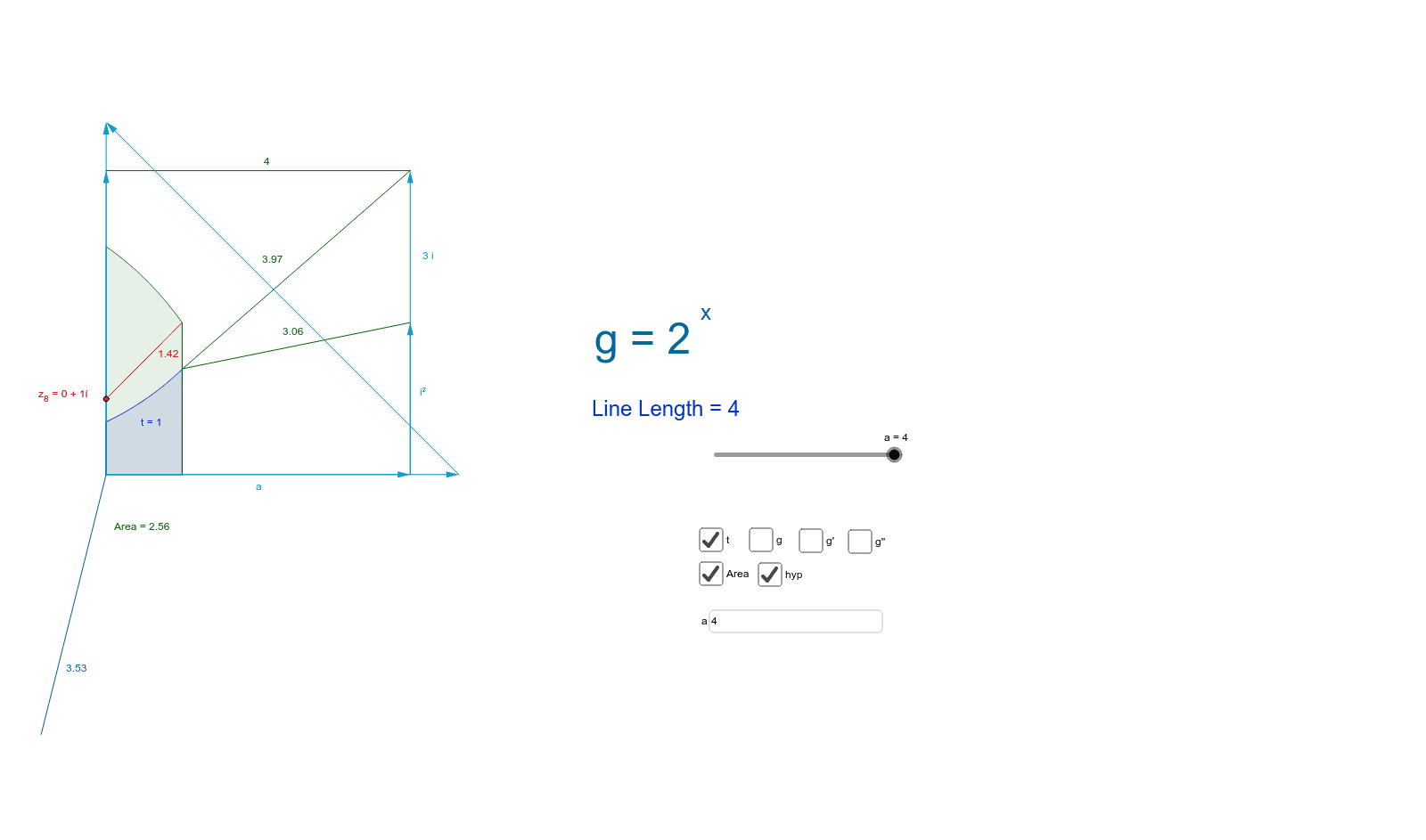
This example demonstrates how the derivatives g, g', g'' of 2^x relate to the complex imaginary i. It involves basic concepts of derivatives and complex numbers. Using GeoGebra commands like Point, Vector, Segment, Polygon, and Integral, it provides a clear understanding of these mathematical concepts. Suitable for high school math education and learning.
GeoGebra Commands & Parameters
Point(u) → CVector(((a * 1.16), 0), (0, (a * 1.16))) → wPoint(v) → BSegment(A, B) → cVector((c, 0), (c, (a * 1.16))) → bPoint(b) → DPolygon(B, A, C, D) → poly1, b_1, a_1, c_1, dVector((a, 0)) → mVector((0, a)) → nVector((a, 0), (a, φ)) → iVector((a, 0), (a, (2 * φ))) → i_aPoint(m) → EPoint(i_a) → FPoint(p) → GPoint(p) → HSegment(G, H) → lPoint(i) → IIntegral(g', 0, 1) → tCircle(A, z_8) → qArea(q) → oPointIn(q) → PointqPoint(n) → JSegment(J, F) → sIntegral(s - g(x), 0, 1) → AreaPoint(g') → KPoint(g') → LTextfield(a) → inputBox1Point(g) → MSegment(z_8, M) → d_1Circle(A, C) → q_1Circle(A, E) → r_1Circle(A, L) → s_1Circle(A, I) → c_2Circle(A, F) → p_1Point(s_1) → PDistance(P, M) → distancePMMidpoint(P, M) →Distance(I, P) → distanceIPMidpoint(I, P) →Segment(I, P) → l_1Segment(L, F) → m_1
AI Drawing Prompt Reference
Draw a 3D number line showing the exponential function 2^x and its first and second derivatives, illustrating their relation to the imaginary unit i. Construct vectors along the real and imaginary axes from the origin, forming a parallelogram. Place multiple points on the function curve, draw circles centered at these points with radii equal to their distances from the origin, and connect related points with segments. Shade the area between the function and its derivative using an integral region. Include an adjustable parameter a via an input box to dynamically scale the figure. The composition integrates functions, derivatives, complex numbers, and geometric shapes.
The prompt above was compiled from the original drawing commands and is for reference only.