
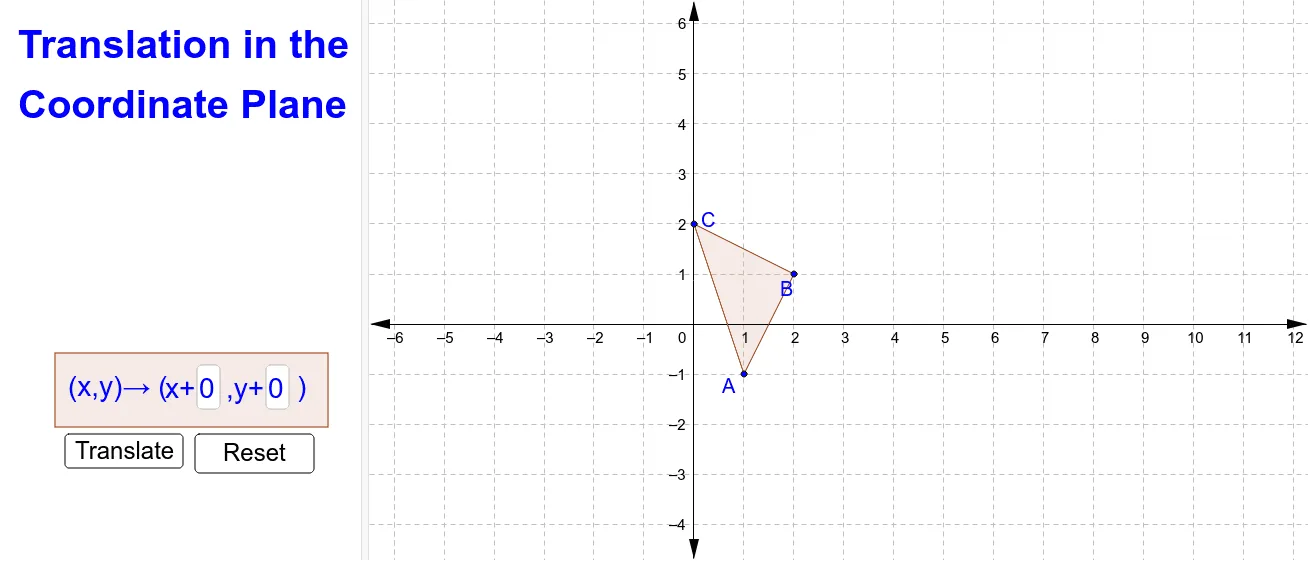
坐标平面中的平移
几何画板及绘图内容加载中,请稍等……
①本范例演示了在坐标平面上对多边形进行平移变换的过程与结果;②涉及的核心数学概念包括平移变换、向量、坐标几何、几何作图;③作图要点——使用了Polygon、Textfield、Translate、Segment、Point、Vector等GeoGebra命令和对象来构建原始多边形、平移向量、平移后的多边形及文本说明;④适合高中阶段学习解析几何、几何变换的学生使用,有助于理解平移的数学表示和操作。
GeoGebra 命令及参数
Polygon(A, B, C) → poly1, c, a, bTextfield(tx) → inputBox1Textfield(ty) → inputBox2Translate(A, (tx, ty)) → A''Translate(B, (tx, ty)) → B''Translate(C, (tx, ty)) → C''Polygon(D, E, F, G) → poly2, d, e, f, gSegment(A, A'') → hSegment(B, B'') → iSegment(C, C'') → jPoint(h) → A'_1Point(i) → B'_1Point(j) → C'_1Vector(A, A'_1) → uVector(B, B'_1) → vVector(C, C'_1) → wPolygon(A', B', C') → poly3, c', a', b'