
缺失正方形分割
几何画板及绘图内容加载中,请稍等……
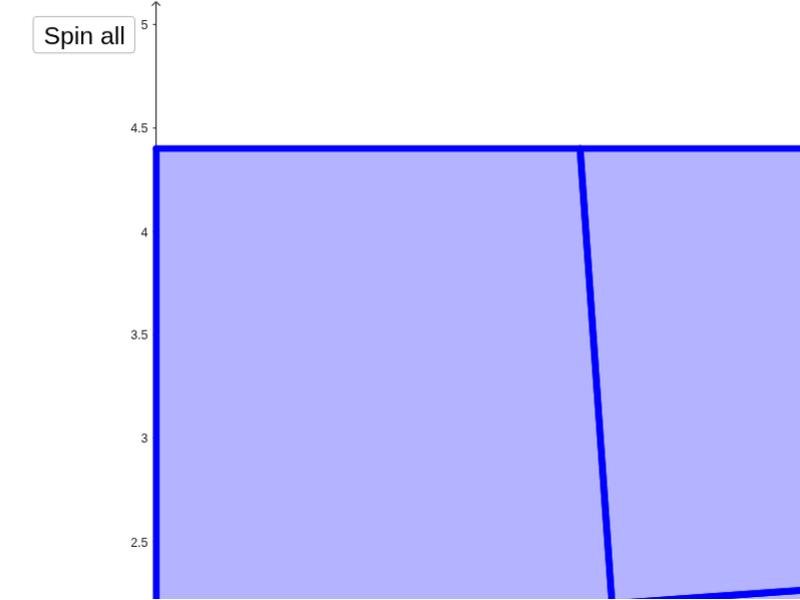
①这个范例演示了一个看似完美拼接但出现面积缺失的几何图形现象;②涉及的核心数学概念包括几何拼接、面积守恒、旋转变换;③作图要点——从下方『构造摘要』提炼用到了Intersect(交点)、Point(点)、Polygon(多边形)、Midpoint(中点)、OrthogonalLine(垂线)、Rotate(旋转)、Circle(圆)、Segment(线段)、LineBisector(角平分线)等GeoGebra命令/对象;④适合高中数学教学,用于探讨几何变换与面积不变性。
GeoGebra 命令及参数
Intersect(xAxis, yAxis) → APoint(xAxis) → BPolygon(A, B, 4) → poly1, a_1, b_2, c_3, d_3, C, DMidpoint(D, B) → EOrthogonalLine(E, xAxis) → e_5Rotate(e_5, a, E) → e'Intersect(e', a_1) → HOrthogonalLine(E, e') → fIntersect(f, b_2) → IPolygon(H, B, I, E) → poly3, h_1, b_1, i, e_2Intersect(f, d_3) → GPolygon(A, H, E, G) → poly2, a_2, h, e_1, gCircle(A, e_1) → pIntersect(p, a_2, 1) → JCircle(J, e_2) → rIntersect(r, xAxis, 2) → LCircle(L, (2 * e_2)) → k_1OrthogonalLine(L, xAxis) → j_1Intersect(k_1, j_1, 2) → NOrthogonalLine(N, j_1) → l_1Intersect(l_1, yAxis) → OSegment(E, O) → s_1LineBisector(s_1) → c_2Circle(O, e_2) → p_1Intersect(p_1, l_1, 1) → PSegment(G, P) → t_1LineBisector(t_1) → d_2Intersect(c_2, d_2) → RSegment(E, N) → m_1LineBisector(m_1) → r_1Segment(I, P) → n_1LineBisector(n_1) → q_1Intersect(q_1, r_1) → QSegment(E, L) → sLineBisector(s) → tSegment(I, J) → nLineBisector(n) → qIntersect(q, t) → MIntersect(e', c_3) → FPolygon(I, C, F, E) → poly4, i_1, c_1, f_1, e_3Polygon(F, D, G, E) → poly5, f_2, d_1, g_1, e_4Segment(A, E) → jLineBisector(j) → kSegment(G, J) → lLineBisector(l) → mIntersect(k, m) → KRotate(A, b, K) → A'Rotate(H, b, K) → H'Rotate(E, b, K) → E'Rotate(G, b, K) → G'Polygon(A', H', E', G') → poly2', a', h', e'_1, g'Rotate(B, c, M) → B'Rotate(I, c, M) → I'Rotate(E, c, M) → E'_1Rotate(H, c, M) → H'_1Polygon(H'_1, B', I', E'_1) → poly3', h'_1, b', i', e'_2Rotate(C, d, Q) → C'Rotate(F, d, Q) → F'Rotate(E, d, Q) → E'_2Rotate(I, d, Q) → I'_1Polygon(I'_1, C', F', E'_2) → poly4', i'_1, c', f', e'_3Rotate(F, e, R) → F'_1Rotate(G, e, R) → G'_1Rotate(E, e, R) → E'_3Rotate(D, e, R) → D'Polygon(F'_1, D', G'_1, E'_3) → poly5', f'_1, d', g'_1, e'_4
AI 绘图提示语参考
画一个看似完美的正方形,将其分割成几块,重新排列后会发现面积缺失。展示关键几何变换,如旋转和对称,强调面积守恒。先画出正方形和坐标轴,再通过旋转、中点和垂线构造出几块不规则图形,最后将它们重新组合,突出缺失的面积。
以上提示语为根据原始绘图命令整理而来,仅供参考。