
抛物线的关键特征
几何画板及绘图内容加载中,请稍等……
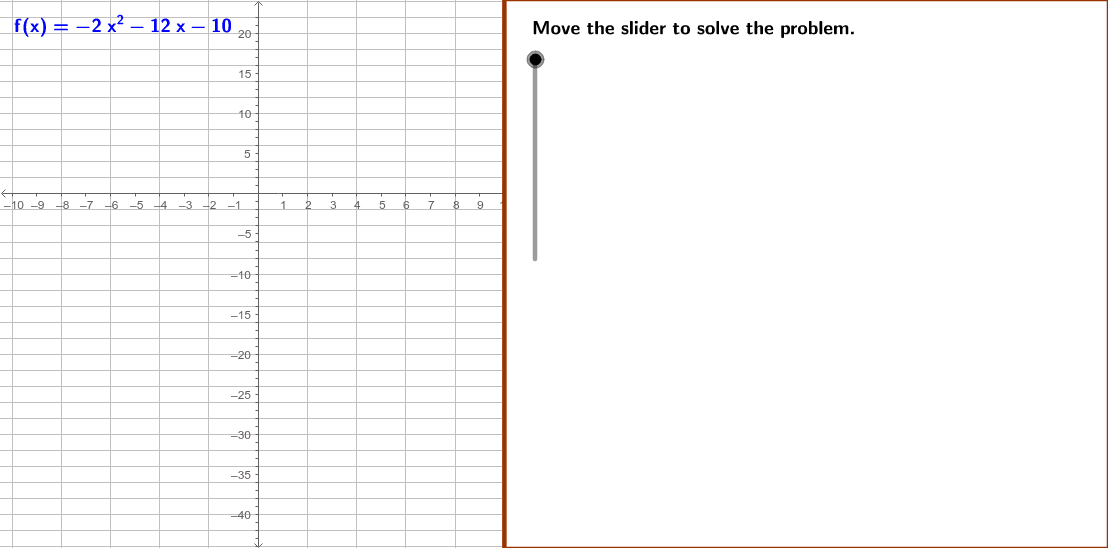
本范例演示了二次函数f(x) = –2x^2 – 12x – 10的图像,重点在于识别其极值、顶点和y轴截距。通过使用GeoGebra命令如Polygon、If、Factor等,可以清晰地展示这些关键特征。适合高中数学教学和学习。
GeoGebra 命令及参数
Polygon((edge, y(Corner[1])), Corner[2], Corner[3], (edge, y(Corner[4]))) → Mask, mask1, mask2, mask4, mask3If(abs(c2) ≟ 1, If[c2 ≟ 1, "", "-"], LaTeX[c2]) → c1Factor(f) → fFactoredSegment(yInt, yIntR) → SegIntIf(Vx ≟ (-2), If[root2 ≟ -1, 1, -1], If[root1 ≟ (-2) ∨ root2 ≟ (-2), (2 * Vx) - root2, -2]) → x1Segment(P1, P2) → SegP1TableText({{"\textit{f}(\textit{x})=" + f + " ", "\text{Equation for }\textit{f}(\textit{x})"}, {"\textit{f}(0)= " + a + "(0)^2" + bA + "(0)" + cA + " ", "\text{Substitute 0 for }\textit{x}."}, {"\textit{f}(0)=" + c + " ", "\text{Simplify.}"}}, "c") → Conclusions5aTableText({{"\textit{x}=\frac{-\textit{b}}{2\textit{a}}", "\text{Formula to find the }\textit{x}\text{-coordinate}"}, {"\textit{x}=\frac{-(" + b + ")}{2(" + a + ")}", "\text{Substitute the values of }\textit{a}\text{ and }\textit{b}."}, {"\textit{x}=" + (((-b)) / ((2 * a))) + " ", "\text{Simplify.}"}}, "c") → Conclusions3b
AI 绘图提示语参考
画一个二次函数 f(x) = –2x^2 – 12x – 10 的图像,标出其顶点、极值点和y轴截距,并用多边形突出这些关键点,同时显示函数的因式分解形式和求顶点坐标的公式推导过程,按先函数图像后关键点再推导步骤的顺序绘制。
以上提示语为根据原始绘图命令整理而来,仅供参考。