
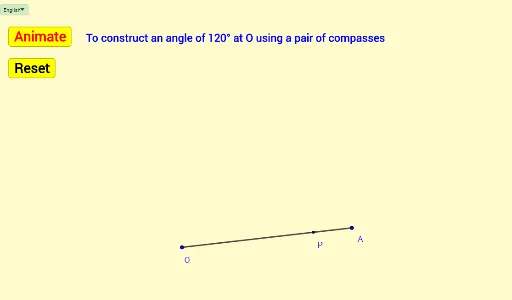
使用圆规构造120°角
几何画板及绘图内容加载中,请稍等……
所属专题
Mathematics Form 1
本范例演示如何使用圆规构造120°角。核心数学概念包括角度和几何作图。通过使用GeoGebra命令如Segment、Circle、Vector和Translate,可以精确地构造出所需的角。适合初中及以上学生学习几何作图技巧。
GeoGebra 命令及参数
Segment(O, A) → fPoint(f) → PCircle(O, P) → eIf(a ≟ true, Rotate[A, 120°, O], Rotate[A, -120°, O]) → B'Circle(P, O) → hIf(a ≟ true, Rotate[O, -40°, P], Rotate[O, 40°, P]) → CIf(a ≟ true, Rotate[O, (-β), P], Rotate[O, β, P]) → EIf(a ≟ true, Arc[h, E, C], Arc[h, C, E]) → kIf(a ≟ true, Rotate[P, α, O], Rotate[P, (-α), O]) → DIf(a ≟ true, Arc[e, P, D], Arc[e, D, P]) → cVector(O, B') → uTranslate(O, Vector[(b * u)]) → O'Segment(O, O') → gIf(a ≟ true, Angle[A, O, B'], Angle[B', O, A]) → γIf(a ≟ true, Rotate[P, 150°, O], Rotate[P, -150°, O]) → P'If(a ≟ true, Intersect[k, c, 1], Intersect[k, c, 2]) → QCircle(Q, O) → dIf(a ≟ true, Rotate[O, -40°, Q], Rotate[O, 40°, Q]) → FIf(a ≟ true, Rotate[O, (-δ), Q], Rotate[O, δ, Q]) → GIf(a ≟ true, Arc[d, G, F], Arc[d, F, G]) → pSelectedIndex(Bahasa) → nnIf(nn ≟ 1, "Animate", "Animasi") → Tex1If(nn ≟ 1, "Stop", "Berhenti") → Tex2If(nn ≟ 1, "Resume", "Teruskan") → Tex3If(nn ≟ 1, "To construct an angle of 120° at O using a pair of compasses", "Membina sudut 120° pada O dengan menggunakan jangka lukis") → text3If(nn ≟ 1, "Center O Radius OP", "Pusat O Jejari OP") → text1If(nn ≟ 1, "Center P Radius OP", "Pusat P Jejari OP") → text2If(nn ≟ 1, "Center Q Radius OP", "Pusat Q Jejari OP") → text4