
Publish a Work
Save a drawing you like as a work and publish it to the public gallery to share with the community.
Publish flow
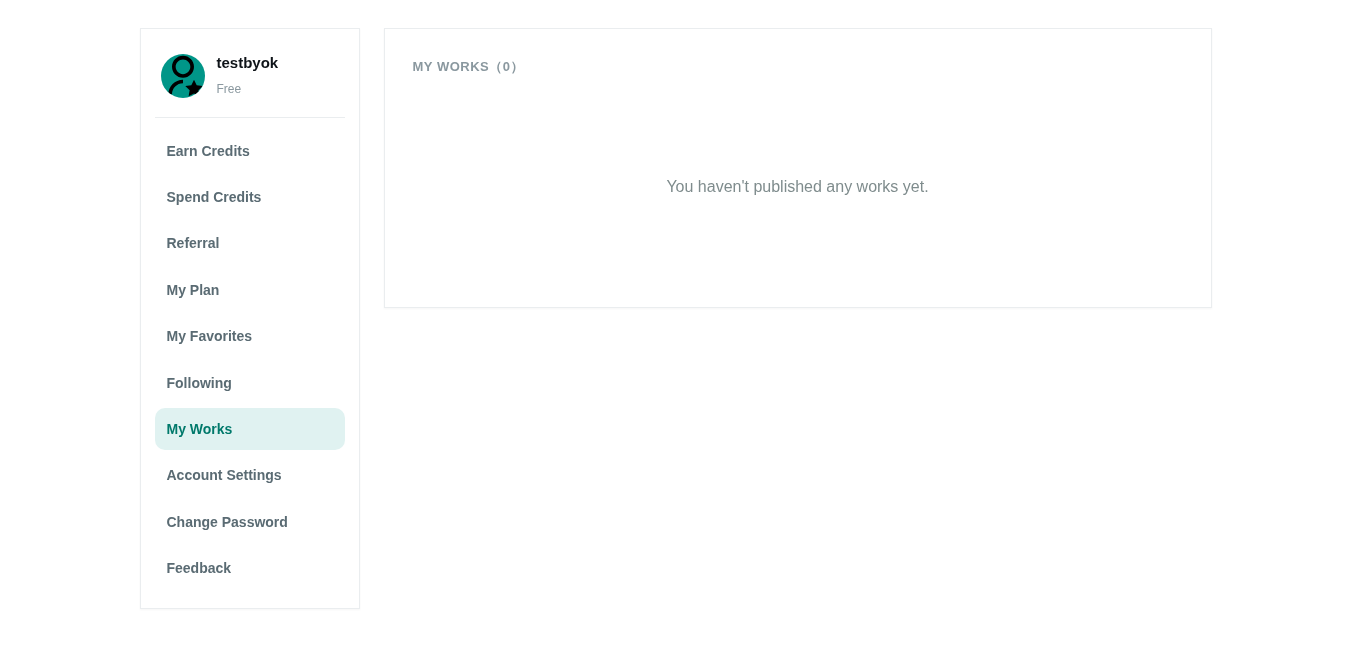
- After finishing a drawing on the canvas, click "save as work", or go to My Works.
- Fill in a title and description (bilingual; AI can help generate them).
- Pick a category and add controlled tags.
- Submit for review; once approved it appears in the Gallery.
Tips
- Review filters inappropriate content; after approval others can browse, favorite and tip.
- Drawings not published as works stay only in your conversation history.