
Interface & Language
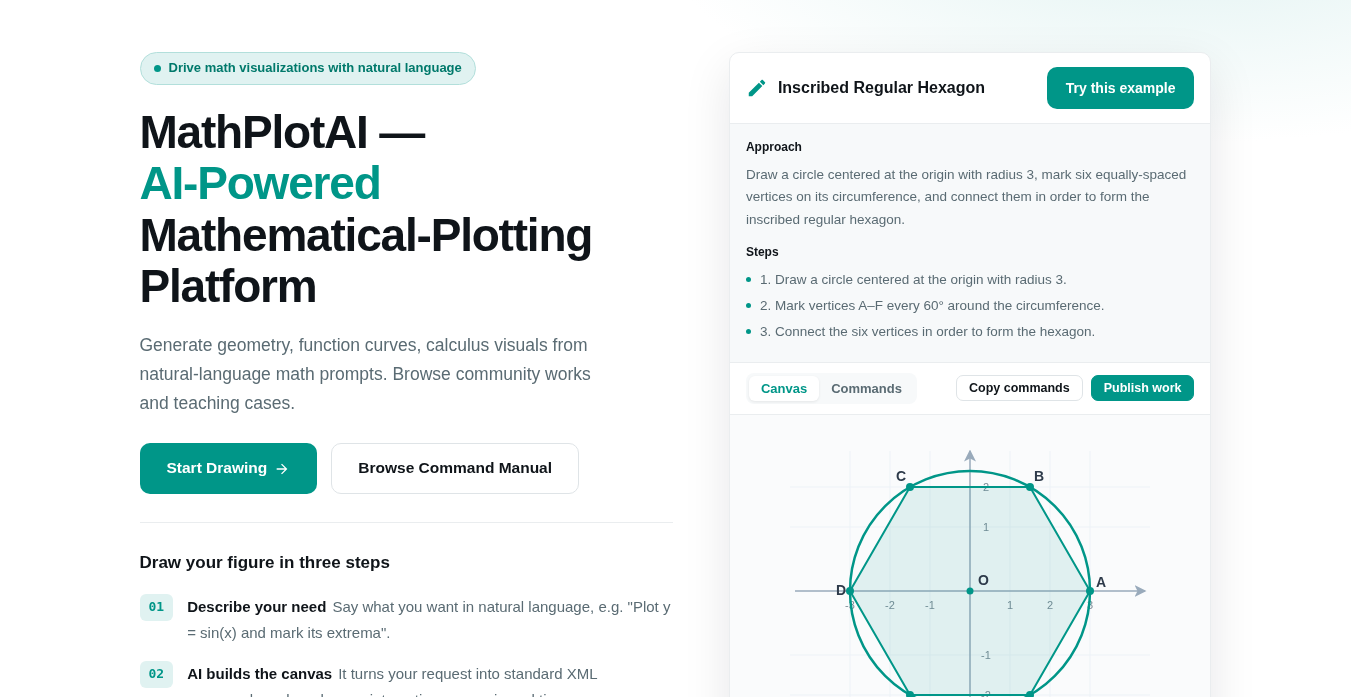
The interface has four areas: home, drawing canvas, gallery and account center. The whole site is bilingual (中文 / English) and switches anytime.
Main entries
- Home
/en/: intro, examples and entry points. - AI Drawing
/chat: the natural-language canvas (see Draw with Natural Language). - Bring Your Own Key
/byok: use your own model key (see Draw with Your Own Key). - Gallery
/work: browse public works. - Community Cases
/en/case: the GeoGebra community case library. - Account Center
/account: settings, credits, my works, etc.
Switch language
Use the language switch at the top-right to toggle 中文 / English; the URL prefix changes between /zh/ and /en/ and content is translated.
Responsive layout
The site adapts to phone, tablet and desktop; on narrow screens the top nav collapses into a hamburger menu.