
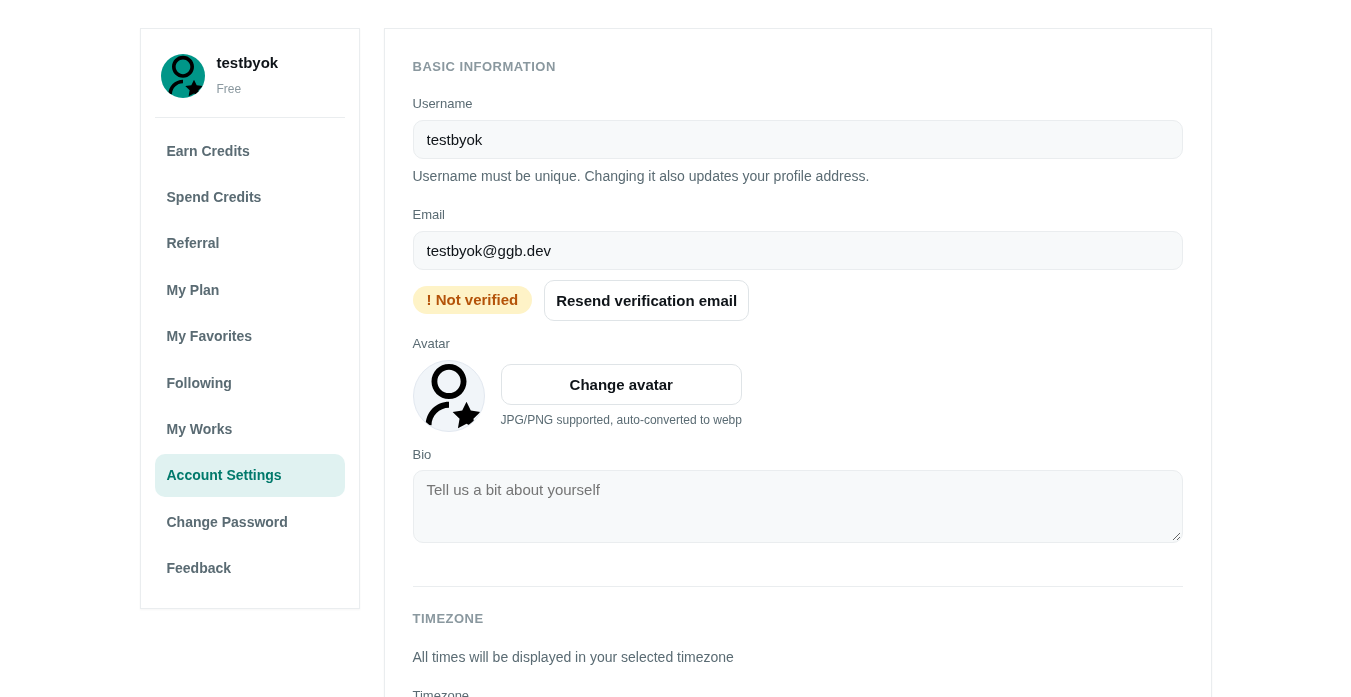
Account Settings
Manage your profile and security from the Account Center.
What you can set
- Profile: nickname, avatar (browser direct-upload to R2 via presigned PUT), bio.
- Language preference: default UI language.
- Email: changing email requires re-verification (see Register & Login).
- Password: reset via old password or verification email at Change Password.
Tips
- Avatars are stored as WebP on R2 for fast direct upload.
- Your public profile is at
/en/user/{username}.