
Manage My Works
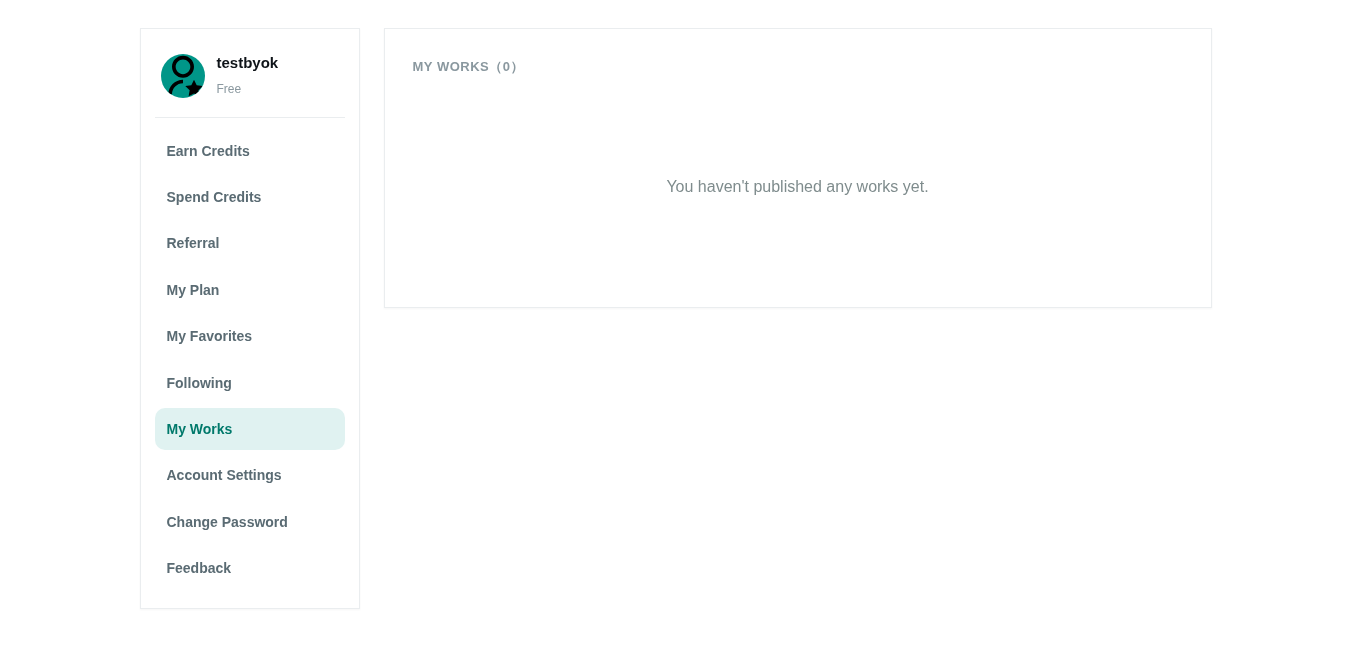
Manage everything you published from My Works.
Actions
- Edit: click a work to open its edit page; change title, description and tags, then resubmit for review.
- Status: draft / in review / published / unpublished.
- Delete / unpublish: use the danger zone on the edit page; deleted works are removed from the gallery.
Tips
- Editing a published work sends it back to review.
- Deletion is soft; confirm before proceeding.
- The work detail page also shows the board, author info and related works.