
Writing Quadratic Equations
Loading the math board and drawing, please wait…
In collections
Algebra 1
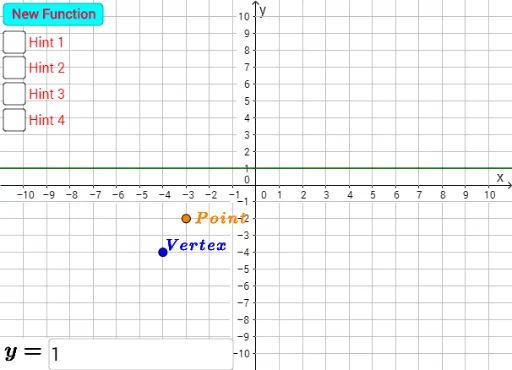
This example demonstrates how to draw the graph of a quadratic equation using GeoGebra. Key mathematical concepts include quadratic equations, parabolas, and symmetry. Using commands like Polynomial, Vertex, Distance, Textfield, and Vector, the construction of the quadratic equation's graph is illustrated. Suitable for students in middle school and above to learn about quadratic equations and parabolas.
GeoGebra Commands & Parameters
Polynomial(f) → gVertex(d) → A, , ,Distance(A, B) → distanceABDistance(P, P_1) → distancePP1Distance(P, P_1) → eTextfield(h) → InputBox1Vector(P, P_2) → u
AI Drawing Prompt Reference
Draw the graph of a quadratic function, highlighting its vertex and symmetry. First, plot the function, then mark the vertex and calculate the distances from the vertex to two points on the graph. Finally, represent the line from the vertex to another point with a vector and include a text box for the function's equation.
The prompt above was compiled from the original drawing commands and is for reference only.