
Volume via Triangular Cross Sections
Loading the math board and drawing, please wait…
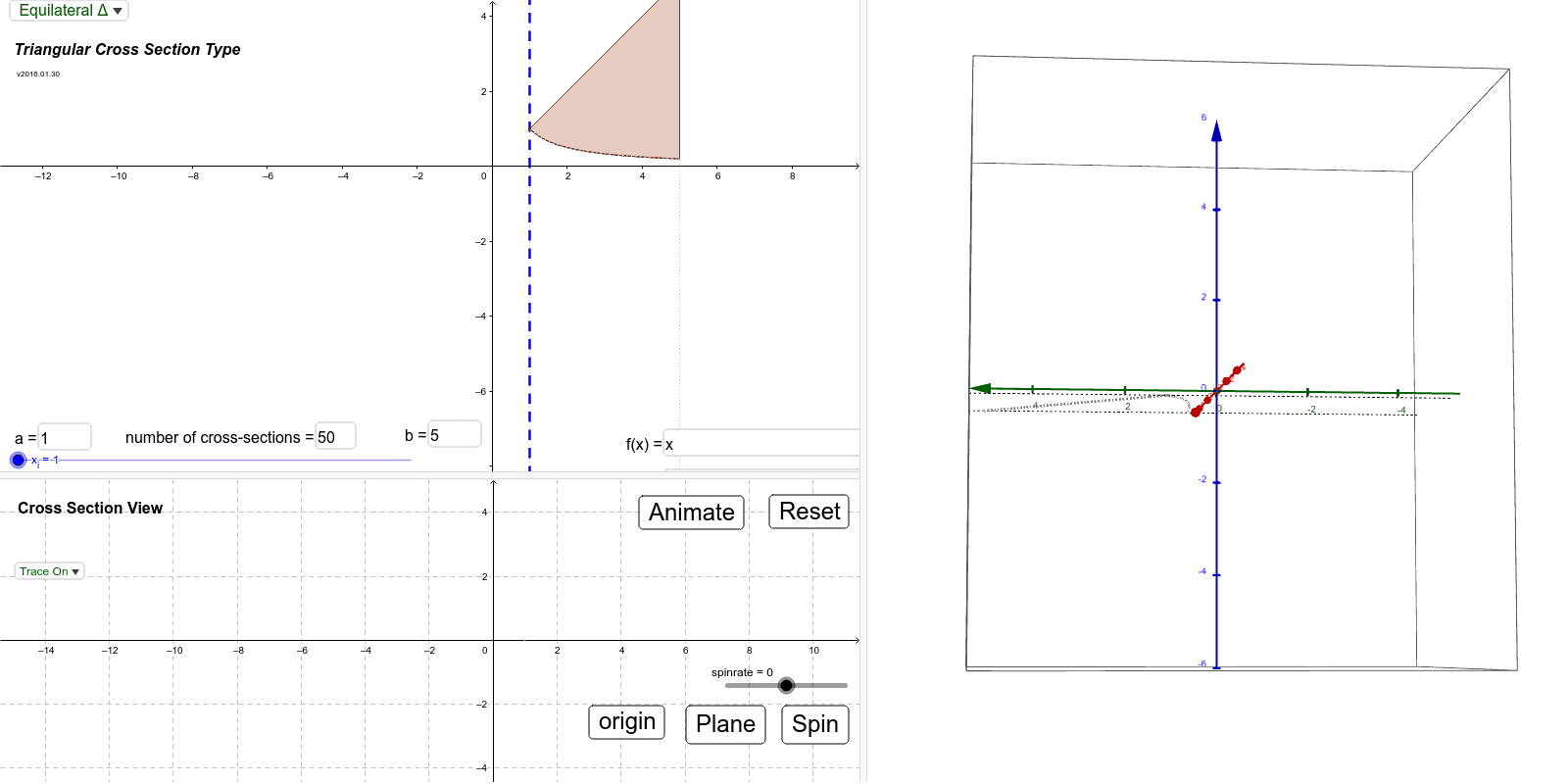
This example is designed to help visualize objects constructed from triangular cross sections. Users can set the type of triangle, two functions, limits, axis of rotation, and number of sections. Adjusting these parameters allows for a visual understanding of volume changes under different conditions. Key mathematical concepts include integral calculus and solid geometry. The construction utilizes GeoGebra commands and objects such as Intersect, Textfield, Min, Max, IntegralBetween, Segment, Plane, SelectedIndex, and Polygon. It is suitable for high school and above students learning volume calculation methods, particularly in calculus and solid geometry education.
GeoGebra Commands & Parameters
Intersect(g, l_c, (1, 1)) → P_{gc1}Intersect(f, l_c, (1, 1)) → P_{fc1}Textfield(a) → inputBox_aTextfield(b) → inputBox_bMin(abs(rad_f), abs(rad_g)) → rad_iMax(abs(rad_f), abs(rad_g)) → rad_oIntersect(f, l_b, (5, 5)) → P_{fb}Intersect(g, l_b, (5, 0.2)) → P_{gb}Intersect(f, l_a, (1, 1)) → P_{fa}Intersect(g, l_a, (1, 1)) → P_{ga}IntegralBetween(f, g, Min[x(P_{fa}), x(P_{ga})], Max[x(P_{fb}), x(P_{gb})]) → RSegment((0, y_{rotation}), (0, If[abs(rad_f) ≥ abs(rad_g), y(P_{fc1}), y(P_{gc1})])) → r_oSegment((0, y_{rotation}), (0, If[abs(rad_f) < abs(rad_g), y(P_{fc1}), y(P_{gc1})])) → r_iPlane((x_i, y_{rotation}, rad_o), x = x_i) → pln3dTextfield(n) → InputBox1SelectedIndex(opt) → optIndexPolygon(P_{fc1}, P_{gc1}, opt_{v1}(SelectedIndex[opt])) → crosssec_1, seg_{11}, seg_{12}, seg_{13}Polygon(P_{fc2}, P_{gc2}, opt_{v2}(SelectedIndex[opt])) → crosssec_2, seg_{21}, seg_{22}, seg_{23}Polygon(P_{fc1}, P_{gc1}, opt_{v3}(SelectedIndex[opt])) → crosssec_3, seg_{31}, seg_{32}, seg_{33}SelectedIndex(lstTraceOpt) → lstTOIndexTextfield(tf) → InputBox_fTextfield(tg) → InputBox_g