
Volume of Solid of Revolution
Loading the math board and drawing, please wait…
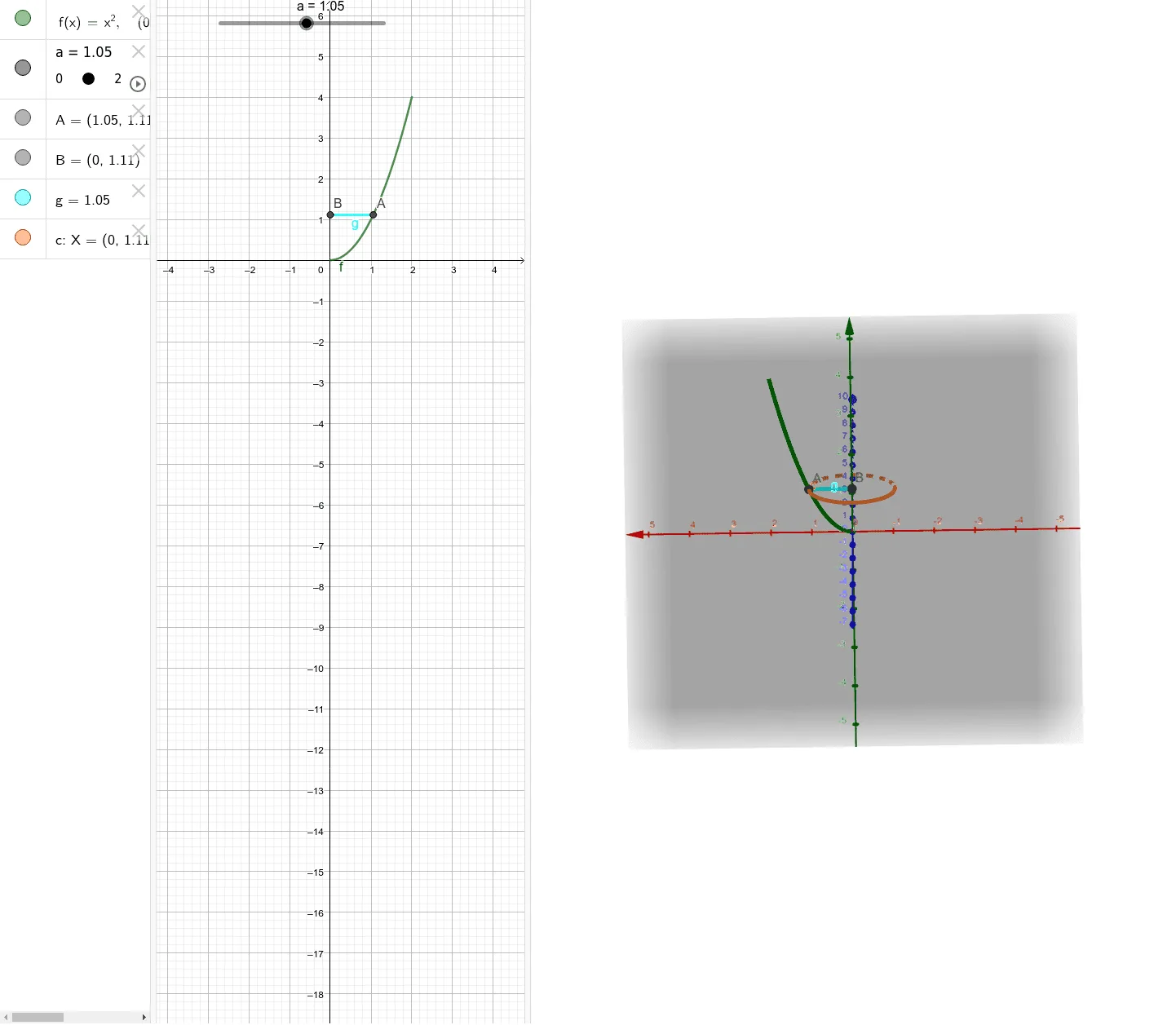
This example demonstrates the process of forming a solid of revolution by rotating a plane figure and calculating its volume. Key math concepts include volume formulas for solids of revolution, integral calculations, and function graphing. It uses GeoGebra commands like Segment and Circle in its construction. Suitable for high school students learning calculus and analytical geometry, or for educational demonstrations.
GeoGebra Commands & Parameters
Segment(B, A) → gCircle(B, g, yAxis) → c
AI Drawing Prompt Reference
Draw a plane figure, rotate it to form a solid of revolution, and show the volume calculation process. Start by drawing a line segment, then draw a circle with one endpoint of the segment as the center and the segment as the radius, making the circle tangent to the y-axis to visually demonstrate the formation of the solid and key concepts of volume calculation.
The prompt above was compiled from the original drawing commands and is for reference only.