
Volumes of Solids of Revolution II
Loading the math board and drawing, please wait…
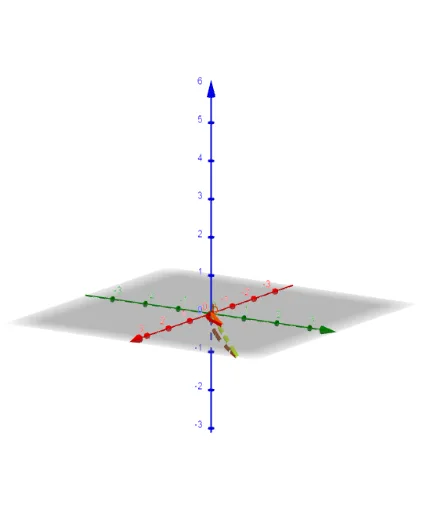
This example demonstrates how to generate three-dimensional solids of revolution by rotating plane regions, and visually illustrates the geometric meaning of their volumes. The core mathematical concept is the application of definite integrals in solid geometry, specifically using the disk or shell method to compute volumes. Construction highlights: the Rotate command is used to rotate functions f and g around an axis α, with parameters a and b controlling the rotation angle or interval, allowing dynamic observation of the solid's formation. Suitable for senior high school or early college calculus students to understand the derivation and visualization of volume formulas, and also useful for teachers as a classroom demonstration tool.
GeoGebra Commands & Parameters
Rotate(g, α, yAxis) → aRotate(f, α, yAxis) → b
AI Drawing Prompt Reference
Visualize a 3D solid formed by rotating two functions around the y-axis, creating solids a and b respectively. Adjust the rotation angle dynamically to observe the formation of the solids and illustrate the concept of volume integration.
The prompt above was compiled from the original drawing commands and is for reference only.