
Volume of Solid of Revolution 5
Loading the math board and drawing, please wait…
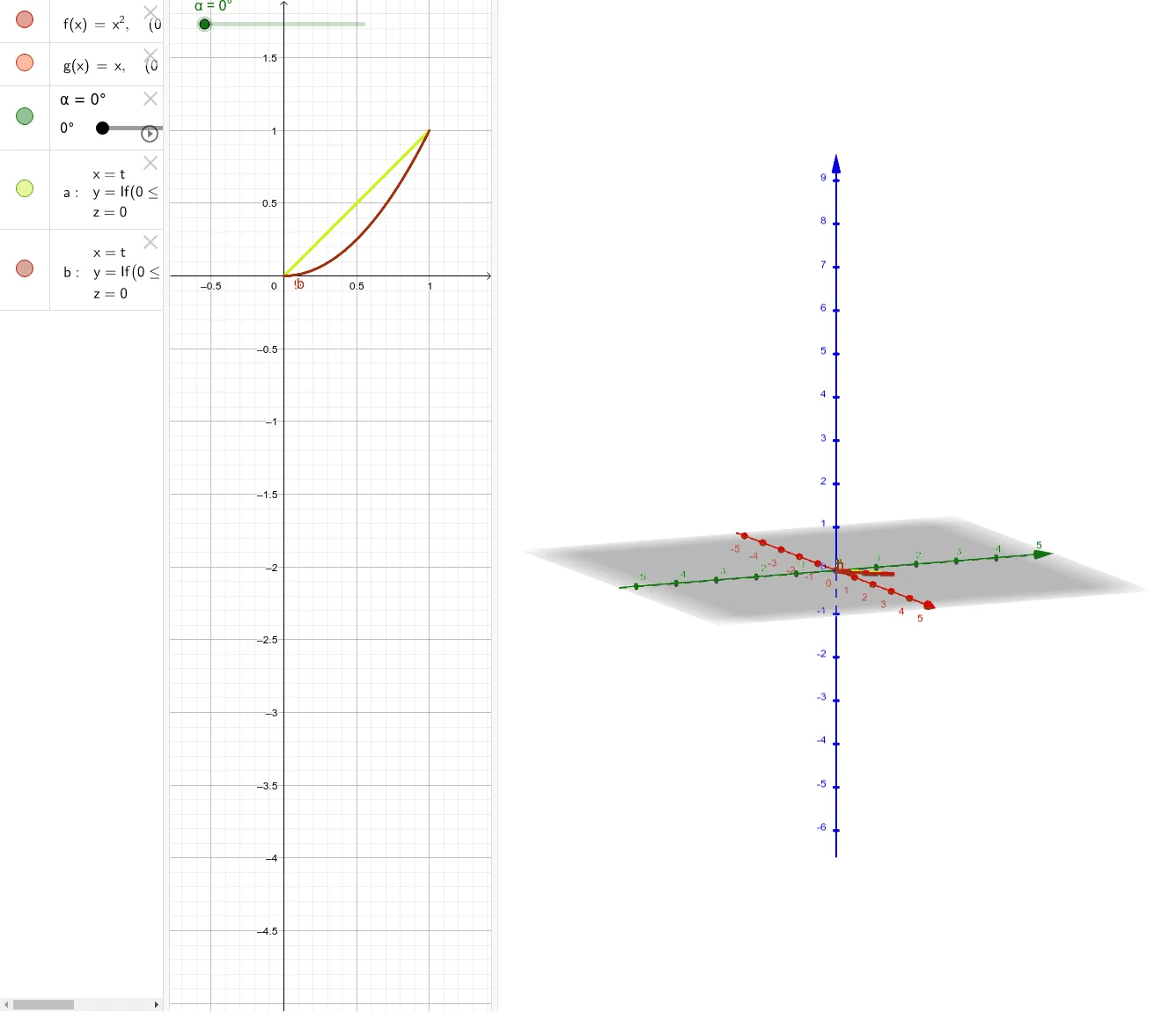
This example demonstrates how to calculate the volume of a solid of revolution by rotating a function graph. Key mathematical concepts include integration and the formula for the volume of a solid of revolution. Using the Rotate command in GeoGebra, the rotation process is visually demonstrated. Suitable for high school mathematics education, particularly in calculus and solid geometry courses.
GeoGebra Commands & Parameters
Rotate(g, α, yAxis) → aRotate(f, α, yAxis) → b
AI Drawing Prompt Reference
Create a 3D coordinate system with a function curve and a straight line lying in the coordinate plane. Rotate both the curve and the line around the vertical axis by a certain angle to form two surfaces of revolution. The rotated surfaces should be semi-transparent to show the rotation process. Clearly indicate the axis of rotation and show the positional relationship before and after rotation, to illustrate the concept of volume of a solid of revolution. The overall composition should be educational, with axes, curves, lines, and the resulting 3D surfaces.
The prompt above was compiled from the original drawing commands and is for reference only.