
Volume of a Rectangular Prism: Investigation
Loading the math board and drawing, please wait…
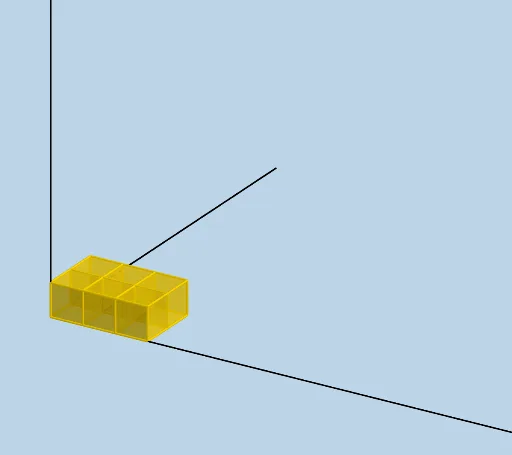
This example demonstrates an intuitive introduction to the volume calculation of a rectangular prism. Key math concepts include volume formulas, relationships between length, width, and height, and geometric intuition. It uses GeoGebra commands/objects like Sequence and Ray. Suitable for middle school students and math enthusiasts to understand volume principles.
GeoGebra Commands & Parameters
Sequence(Cube[(i, 0, 0), (i + 1, 0, 0), Point[Circle[(i + 1, 0, 0), Distance[(i, 0, 0), (i + 1, 0, 0)], Segment[(i, 0, 0), (i + 1, 0, 0)]]]], i, 0, LENGTH - 1, 1) → L_1Sequence(Cube[(1, i, 0), (1, i + 1, 0), Point[Circle[(1, i + 1, 0), Distance[(1, i, 0), (1, i + 1, 0)], Segment[(1, i, 0), (1, i + 1, 0)]]]], i, 1, WIDTH - 1, 1) → L_2Sequence(Sequence[Translate[Element[L_1, i], Vector[(0, j)]], j, 1, WIDTH - 1, 1], i, 2, LENGTH, 1) → L_4Sequence(Translate[L_4, Vector[(0, 0, i)]], i, 1, HEIGHT - 1, 1) → L_5Sequence(Translate[L_1, Vector[(0, 0, i)]], i, 1, HEIGHT - 1, 1) → L_6Sequence(Translate[L_2, Vector[(0, 0, i)]], i, 1, HEIGHT - 1, 1) → L_7Ray((0, 0, 0), (1, 0, 0)) → fRay((0, 0, 0), (0, 1, 0)) → gRay((0, 0, 0), (0, 0, 1)) → h