
Visualizing the Sum Distribution of Two Dice
Loading the math board and drawing, please wait…
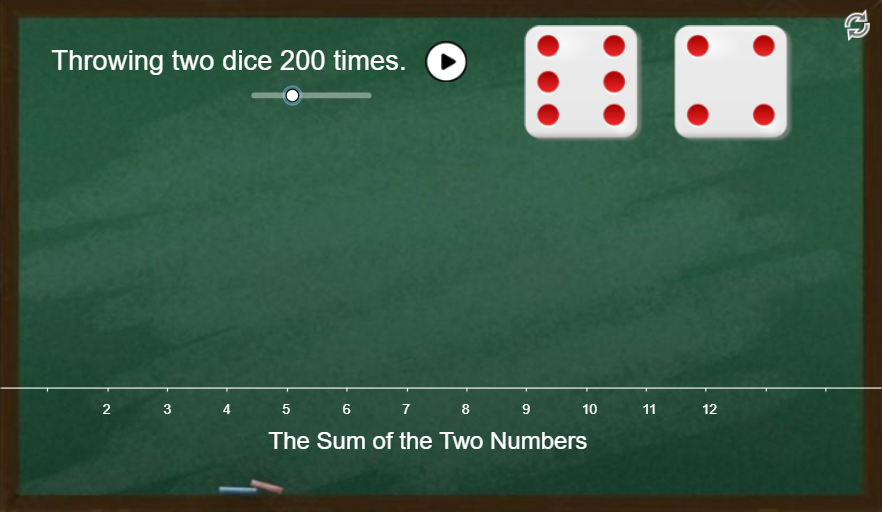
This example demonstrates how the possible sums when throwing two dice are distributed, highlighting the frequencies (weights) for each sum value and illustrating a geometric, constructive way to accumulate contributions. It combines key ideas from discrete probability—sums of random variables and the resulting probability distribution—with graphing and (in the spirit of) integral-based or sliced-sum computation to connect discrete counting to continuous approximations. In GeoGebra, the construction is driven by commands such as Sequence (to generate step/interval partitions like dx1, dx2, dx3), Vector and Translate (to position and replicate geometric pieces via translations), If (to apply piecewise conditions or boundary rules), and Sum (to accumulate the contributions across all parts). Objects like B, a, h, n, p, w, t, A1–A12, B1–B12, hs, and bars/bars2 represent the sampled segments, weights, and the elements that are totaled to obtain the final distribution view. Suitable for advanced middle/high school probability lessons and introductory modeling courses.
GeoGebra Commands & Parameters
Sequence(Polygon[(k - w + dx2, 0), (k + w + dx2, 0), (k + w + dx2, Element[hs, k - 1]), (k - w + dx2, Element[hs, k - 1])], k, 2, 12) → barsSequence(Polygon[(k - w + dx1, 0), (k + w + dx1, 0), (k + w + dx1, Element[hs2, k - 1]), (k - w + dx1, Element[hs2, k - 1])], k, 2, 12) → bars2Sequence(Text[floor((100 * Element[p, k - 1])) + "%", (k + dx2 + dx3, Element[hs, k - 1] + dy)], k, 2, 12) → lblPVector(B) → uTranslate(B21, u) → C21Translate(B22, u) → C22Translate(B23, u) → C23Translate(B24, u) → C24Translate(B25, u) → C25Translate(B26, u) → C26Translate(B21, Vector[u + (2.5, 0)]) → D21Translate(B22, Vector[u + (2.5, 0)]) → D22Translate(B23, Vector[u + (2.5, 0)]) → D23Translate(B24, Vector[u + (2.5, 0)]) → D24Translate(B25, Vector[u + (2.5, 0)]) → D25Translate(B26, Vector[u + (2.5, 0)]) → D26Sequence(Text[k, (k, 0) + C], k, 2, 12) → lblSumSequence(Text[floor(Element[p2', k - 1]), (k, Element[hs2, k - 1] + dy)], k, 2, 12) → lblP2Sum(CellRange(A2,A12,"numeric")) → A13If(A13 > 2, true, false) → showIf(n ≤ 100, 1, If[n ≤ 200, 0.3, 0.15]) → speed
AI Drawing Prompt Reference
Draw a bar chart showing the distribution of sums from rolling two dice. The x-axis ranges from 2 to 12, and the y-axis represents frequency or probability. Use vertical bars for each sum, with heights proportional to their probabilities. Label each bar with its percentage above it. Additionally, show small rectangular blocks translated and stacked progressively from sum 2 to 12, illustrating how combinations accumulate. All bars align at the bottom, forming a symmetric bell-shaped curve.
The prompt above was compiled from the original drawing commands and is for reference only.