
Visualizing Multiplication of Two Matrices
Loading the math board and drawing, please wait…
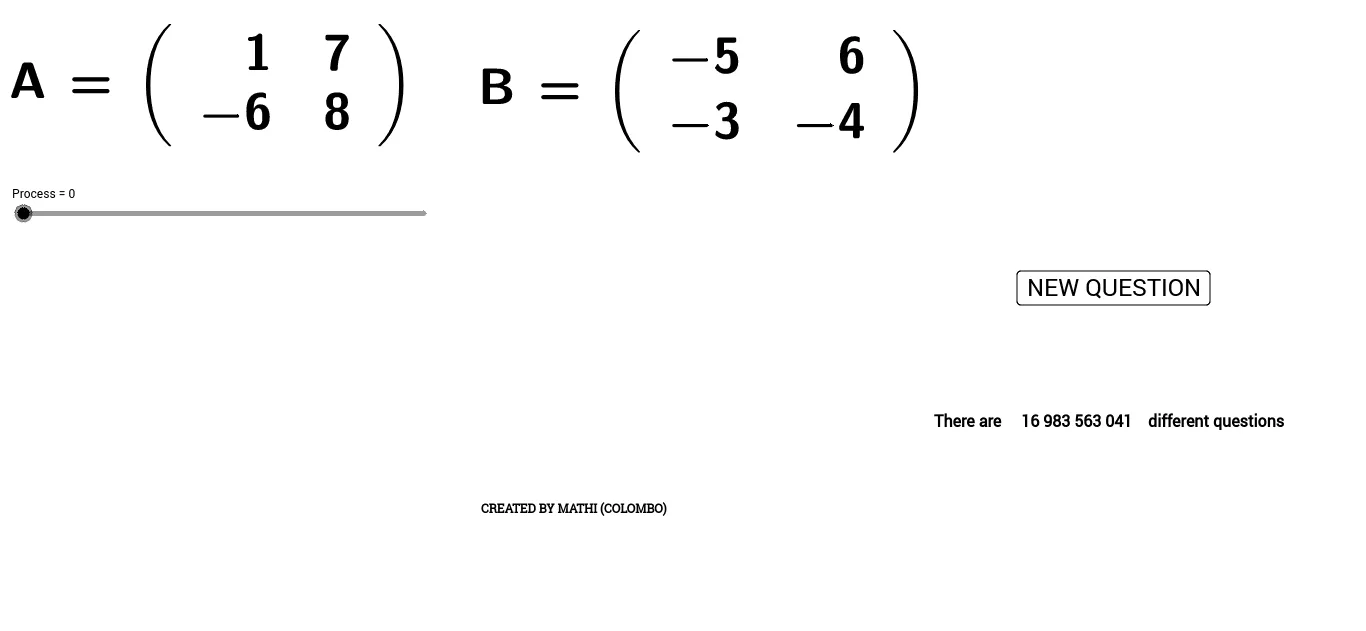
This example demonstrates matrix multiplication geometrically by applying two linear transformations to a polygon (or a set of points). It shows that performing the first matrix transformation and then the second is equivalent to applying the matrix product once. The key concepts are matrix multiplication (including its non-commutativity), the relationship between matrices and linear geometric transformations, and how point coordinates change under matrix action—often producing effects such as rotation and scaling. Construction highlights: the setup uses Random to generate parameters or random configurations, LaTeX to label matrices/expressions, and Polygon to build the base and transformed shapes (e.g., poly1, poly2, poly4). A collection of labeled points (a, b, c, …) and text objects (text1, text2, A–R) represent vertices before and after transformations, while indexed point coordinates (such as c_2, d_1, e_1, f_1, g_1, h_1, i, j) encode how matrix entries combine to produce the final vertex locations corresponding to the product matrix. Suitable for high school through early university linear algebra, as a classroom demonstration or self-study tool for understanding how matrix products correspond to composition of transformations.
GeoGebra Commands & Parameters
Random(-9, 9) → aRandom(-9, 9) → bRandom(-9, 9) → cRandom(-9, 9) → dRandom(-9, 9) → eRandom(-9, 9) → fRandom(-9, 9) → gRandom(-9, 9) → hLaTeX(A, true, true) → text1LaTeX(B, true, true) → text2Polygon(C, D, E, F) → poly1, c_2, d_1, e_1, f_1Polygon(G, H, I, J) → poly2, g_1, h_1, i, jPolygon(O, P, Q, R) → poly4, o, p, q, rPolygon(S, T, U, V) → poly3, s, t, u, vLaTeX(AB, true, true) → text7
AI Drawing Prompt Reference
Draw a geometric illustration of matrix multiplication. Start with a random quadrilateral as the original shape. Apply a first linear transformation to get a second quadrilateral, then apply a second transformation to get a third. Separately, apply the product of the two matrices directly to the original to get a fourth quadrilateral, which should coincide with the third. Label vertices with letters and annotate the matrices and their product using mathematical notation, showing that the composition of transformations equals the product matrix.
The prompt above was compiled from the original drawing commands and is for reference only.