
Geometric Visualization of Matrix Multiplication
Loading the math board and drawing, please wait…
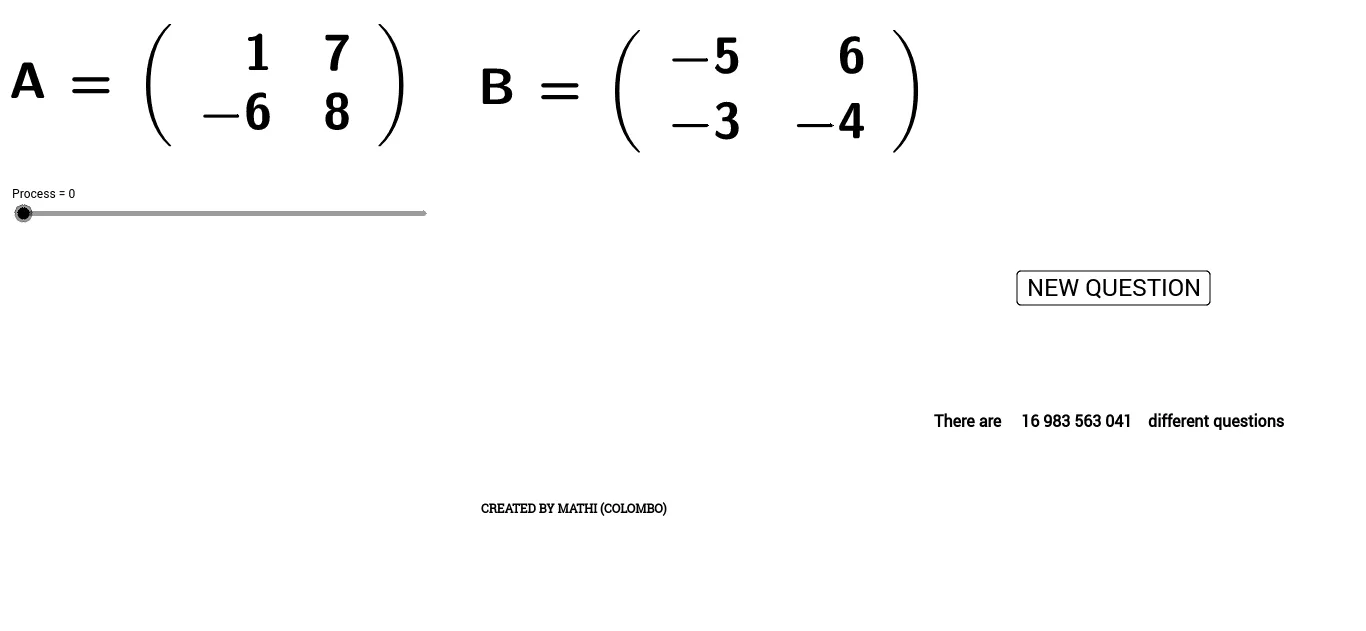
This example visualizes how multiplying two matrices corresponds to composing two linear transformations acting on geometric objects. It helps learners see that the product A·B can be interpreted as “apply B first, then apply A” by comparing transformed shapes side by side. The key mathematical ideas are matrix multiplication, linear transformation of coordinates, and vertex/point mapping to polygons so that the resulting configuration reflects the algebraic operation. Construction-wise, it uses GeoGebra commands including Random to generate representative data, LaTeX to display matrix or formula text, and Polygon to create and update polygon geometries (e.g., poly1, poly2, poly4). Multiple point sets (labeled a–h and A–O, plus derived points like c_2, d_1, e_1, f_1, g_1, h_1, etc.) are used to build the pre- and post-transformation vertices, with annotations (text1/text2) to support the comparison. Suitable for high school to early college audiences studying introductory linear algebra and for classroom demonstrations or interactive exploration.
GeoGebra Commands & Parameters
Random(-9, 9) → aRandom(-9, 9) → bRandom(-9, 9) → cRandom(-9, 9) → dRandom(-9, 9) → eRandom(-9, 9) → fRandom(-9, 9) → gRandom(-9, 9) → hLaTeX(A, true, true) → text1LaTeX(B, true, true) → text2Polygon(C, D, E, F) → poly1, c_2, d_1, e_1, f_1Polygon(G, H, I, J) → poly2, g_1, h_1, i, jPolygon(O, P, Q, R) → poly4, o, p, q, rPolygon(S, T, U, V) → poly3, s, t, u, vLaTeX(AB, true, true) → text7
AI Drawing Prompt Reference
Create a geometry visualization for matrix multiplication: place several randomly chosen points on the plane (a–h), add on the canvas two matrix labels showing A and B, and also display a label for their product AB. Using the point sets as vertices, construct multiple quadrilateral polygons that represent the shapes before and after applying the corresponding linear transformations, arranging them side by side to compare configurations. Use mapped/derived vertices from the original points to form new polygons, so the layout visually supports the idea “apply B first, then apply A,” with text annotations to guide the comparison.
The prompt above was compiled from the original drawing commands and is for reference only.