
Visualizing Integer Addition on the Number Line by Peg Fisher
Loading the math board and drawing, please wait…
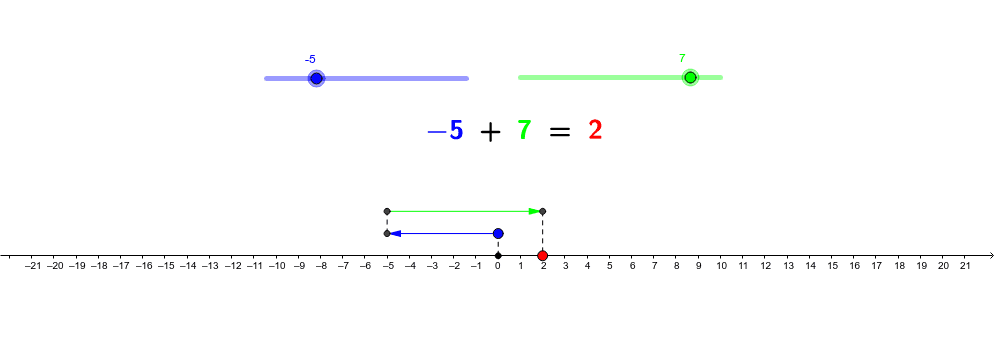
This example dynamically demonstrates how to perform integer addition on a number line. It involves core math concepts like number line, vector, geometric transformations, and integer operations. Key GeoGebra commands/objects used include Vector and Segment. Suitable for middle school mathematics teaching to help students visually understand the geometric meaning of integer addition.
GeoGebra Commands & Parameters
Vector(A, B) → uVector(C, D) → vSegment(Z, A) → gSegment(B, C) → hSegment(D, R) → i
AI Drawing Prompt Reference
Draw a number line starting from the origin, then draw a segment to the right representing the integer 1, and from that point, draw another segment to the right representing the integer 2. Connect the origin to the starting point of the first segment, and the endpoint of the second segment to a new point R. Finally, draw two vectors corresponding to these two segments.
The prompt above was compiled from the original drawing commands and is for reference only.