
Visualizing Cylindrical Coordinates: r, θ, and h
Loading the math board and drawing, please wait…
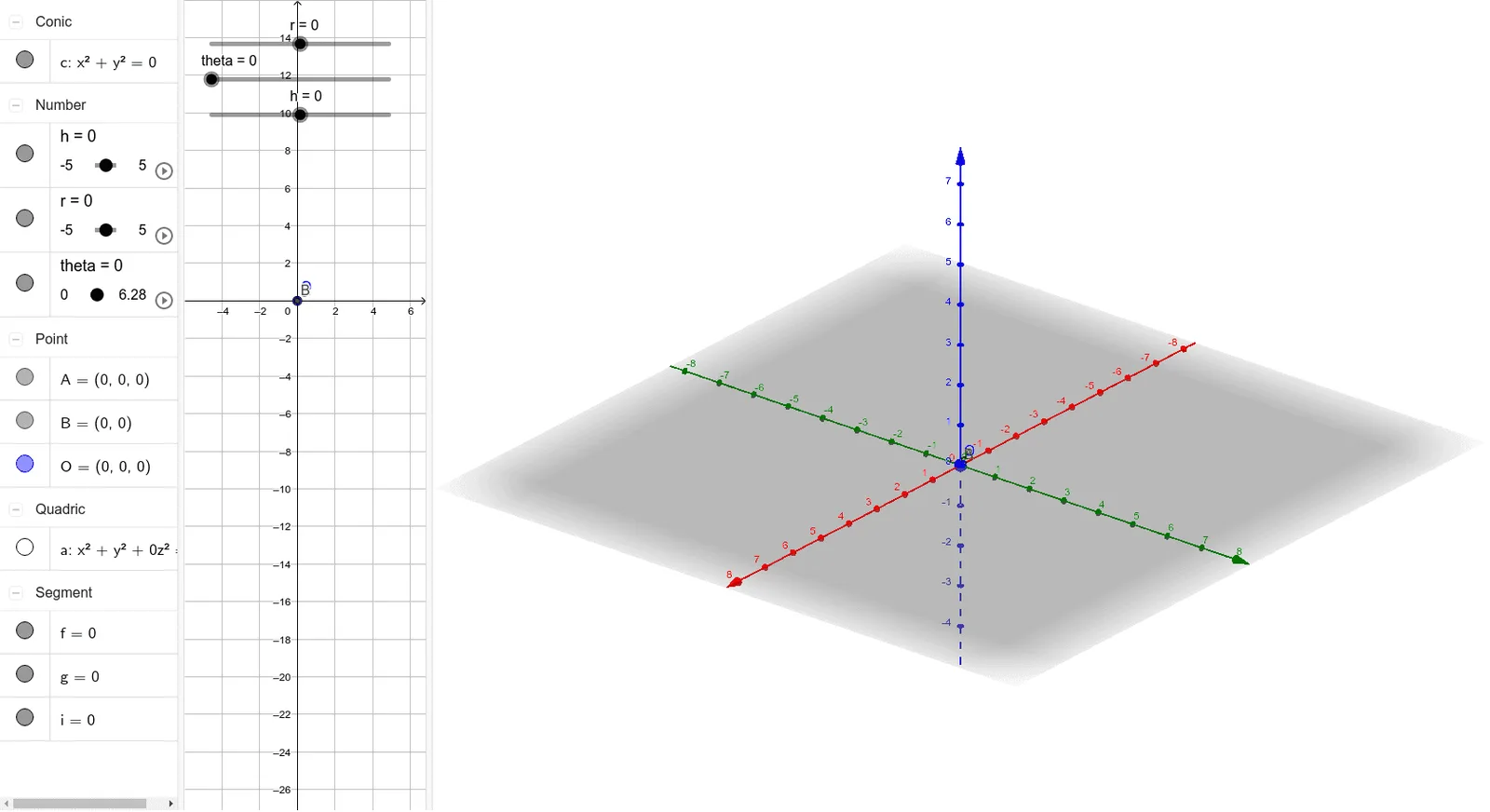
This GeoGebra example demonstrates how a point in 3D space can be located using cylindrical coordinates (r, θ, h), linking the parameters to a clear geometric picture. It focuses on key ideas such as cylindrical coordinate parameterization, the meaning of the angular coordinate θ on the horizontal circular direction, and the height h as vertical displacement. The construction centers on the objects r, theta, and h, and uses Segment to build the geometric connections (e.g., between points that represent the radial direction, the angular placement, and the vertical alignment). Objects like A, B, and O serve as reference points (with O as the base/basis), while additional elements (f, g, i, c, a) organize auxiliary geometry to display the relationships between the parameters and the final spatial position. Suitable for secondary school advanced learners through early university-level instruction in solid coordinate geometry, trigonometry, and coordinate-system visualization.
GeoGebra Commands & Parameters
Segment(O, A) → fSegment(O, B) → gSegment(A, B) → i
AI Drawing Prompt Reference
Draw a 3D coordinate system illustrating cylindrical coordinates (r, θ, h). Start with an origin point as the base. From this origin, draw a radial segment to a point in the horizontal plane, representing the radius r. Then draw another segment from the origin along a horizontal direction, serving as the reference line for the angle θ. Finally, connect the radial endpoint to the reference endpoint with a third segment, forming a triangle in the horizontal plane that visually defines the angle θ. The vertical height h is implied but not explicitly drawn here; the focus is on the planar relationships among r, θ, and the reference directions. Keep the construction minimal, with only these three segments and their endpoints.
The prompt above was compiled from the original drawing commands and is for reference only.