
Spherical Coordinates Visualization
Loading the math board and drawing, please wait…
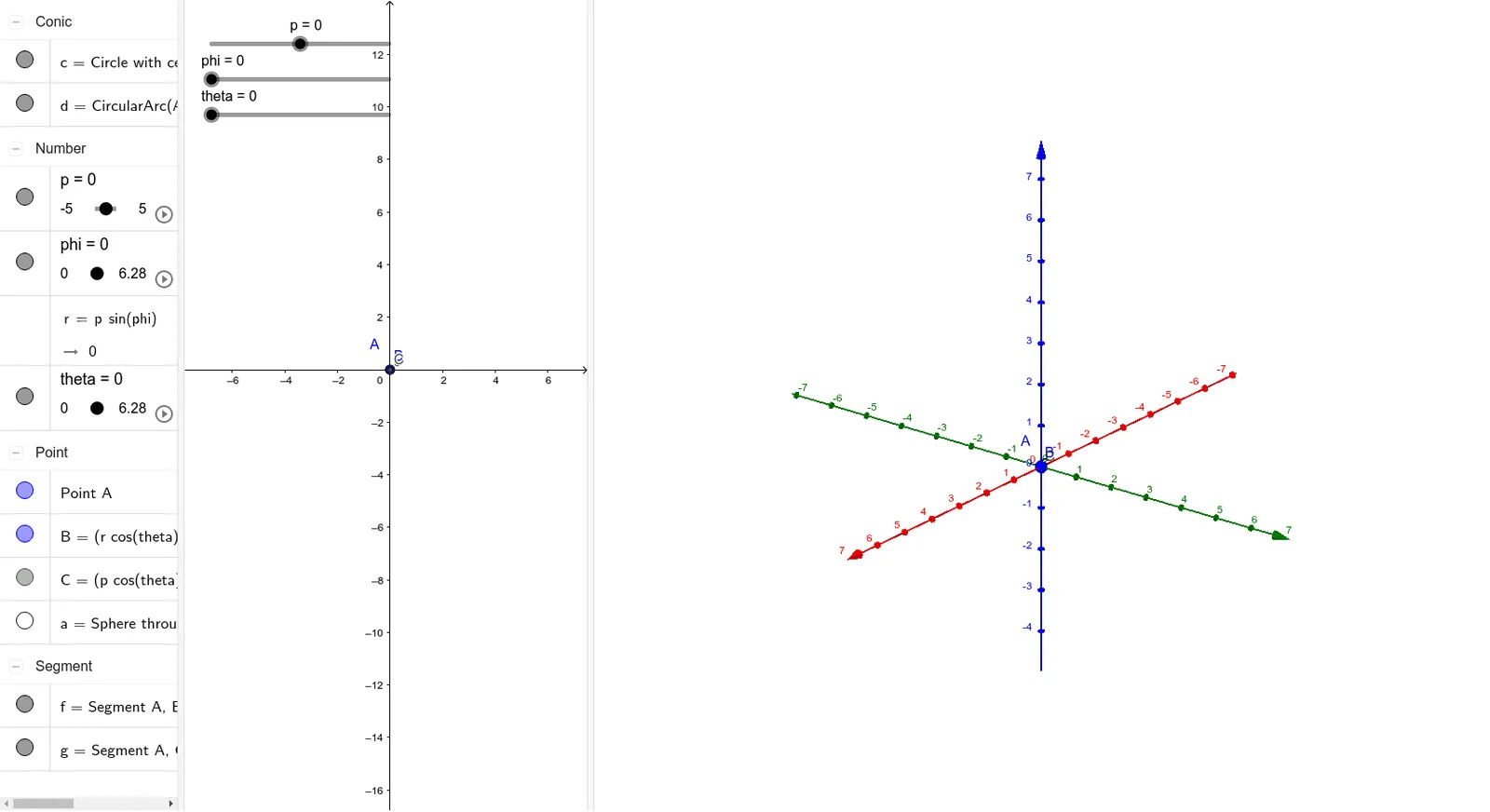
This GeoGebra example provides an interactive 3D visualization of spherical coordinates, demonstrating how radial distance, polar angle, and azimuthal angle define points and surfaces in three-dimensional space. It illustrates the geometric interpretation of spherical parameterization, showing the relationship between the coordinate variables and the resulting sphere or curved surface. The construction employs GeoGebra commands including Segment, Circle, Sphere, and CircleArc, with key objects such as p, phi, theta, and r controlling the coordinate parameters. The model is suitable for multivariable calculus courses, advanced high school mathematics, and learners exploring spatial coordinate systems and surface integrals.
GeoGebra Commands & Parameters
Segment(A, B) → fCircle(A, C, xOyPlane) → cSphere(A, B) → aCircleArc(A, C, B) → dSegment(A, C) → g
AI Drawing Prompt Reference
Create a 3D visualization of spherical coordinates, showing how radial distance, polar angle, and azimuthal angle define points and surfaces in space. Illustrate the geometric relationship using a sphere and curved surfaces, featuring key elements like a line segment from the origin to the sphere's center, a circle in the xy-plane, the entire sphere itself, and an arc connecting the origin to a point on the circle, all working together to visualize the spherical coordinate system.
The prompt above was compiled from the original drawing commands and is for reference only.