
Surface Command Practice: Conversion between Cylindrical and Spherical Coordinat
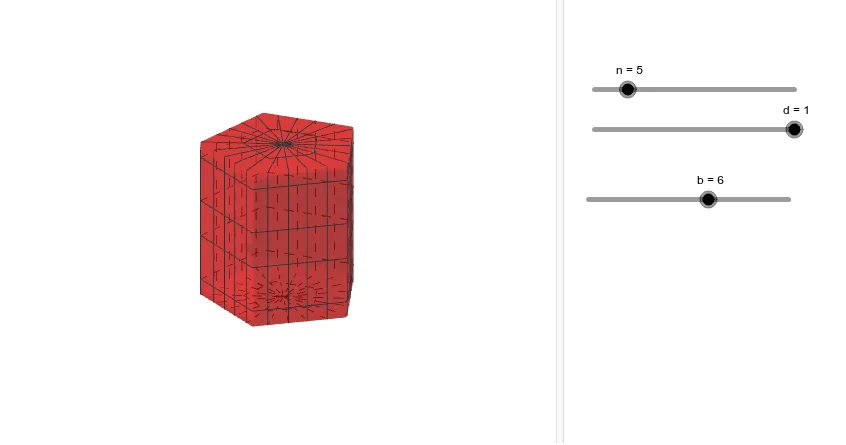
This GeoGebra applet serves as an interactive demonstration of the conversion between cylindrical and spherical coordinate systems. It utilizes the Surface command and related GeoGebra tools to construct three-dimensional parametric surfaces, allowing learners to visualize how the same spatial surface can be represented using two different coordinate frameworks. By manipulating parameters and observing real-time rendering, students gain an intuitive understanding of the transformation formulas that relate cylindrical coordinates (r, theta, z) to spherical coordinates (rho, theta, phi), including the key equations r equals rho times sine of phi, z equals rho times cosine of phi, and theta remaining shared between both systems. The applet enables users to adjust slider values for parameters such as radius, angular variables, and bounds, which dynamically updates the displayed surfaces. This interactivity supports exploratory learning, helping students connect abstract algebraic conversions with concrete geometric shapes such as cones, spheres, cylinders, and tori. The tool is particularly valuable in multivariable calculus and analytic geometry courses, where mastery of coordinate transformations is essential for evaluating triple integrals, understanding vector fields, and describing surfaces in three-dimensional space. Educators can use this applet as a classroom aid to supplement lectures on change of variables in multiple integrals or as a self-study resource for students seeking to deepen their spatial reasoning skills. By combining dynamic visualization with the underlying mathematical relationships, the applet bridges the gap between symbolic manipulation and geometric intuition, making it a practical teaching instrument for calculus-level mathematics instruction.
Loading the math board and drawing, please wait…