
Visualization of Matrix Operations and Random Matrix Generation
Loading the math board and drawing, please wait…
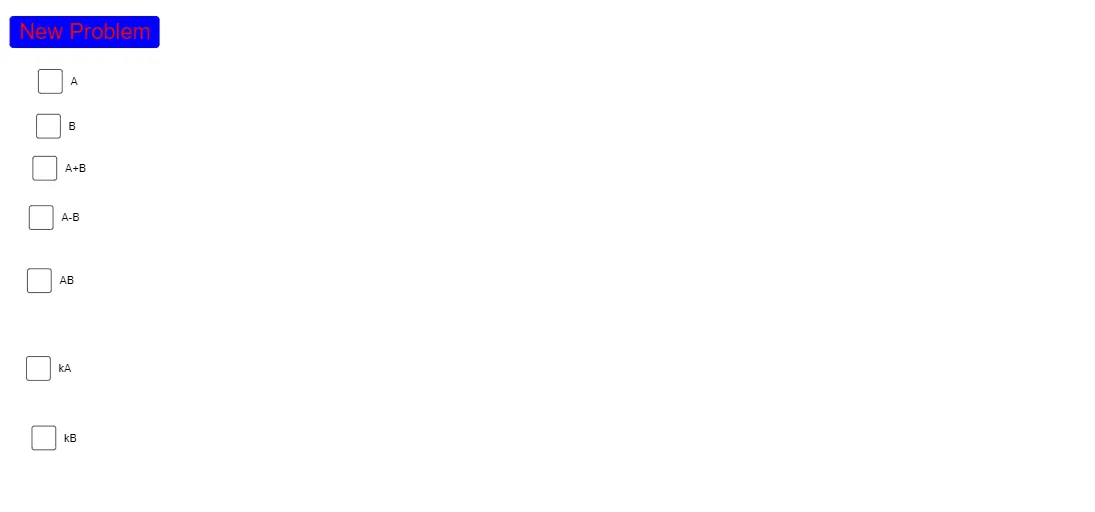
This GeoGebra example provides an interactive visualization of matrix operations, focusing on the generation of random matrices and their algebraic transformations. The core mathematical concepts include matrix algebra, random variable generation, and linear transformations. To construct the visualization, the `Random` command is used to generate a series of random values (represented by objects a through r, A, B, etc.), which are then structured into matrix elements (such as m1, m2, k, m3, m4, m5). The interactive display is managed via control elements like `button1` and descriptive texts (`text1` to `text7`). This resource is ideal for university-level linear algebra, probability theory, and high school mathematics courses to visually demonstrate abstract matrix arithmetic.
GeoGebra Commands & Parameters
Random(-20, 20) → aRandom(-20, 20) → bRandom(-20, 20) → cRandom(-20, 20) → dRandom(-20, 20) → eRandom(-20, 20) → fRandom(-20, 20) → gRandom(-20, 20) → hRandom(-20, 20) → iRandom(-10, 10) → jRandom(-10, 10) → k_1Random(-10, 10) → lRandom(-10, 10) → mRandom(-10, 10) → nRandom(-10, 10) → oRandom(-10, 10) → pRandom(-10, 10) → qRandom(-10, 10) → rRandom(-10, 10) → k
AI Drawing Prompt Reference
Create a visualization of matrix operations with two 2x2 random matrices A and B, and their linear transformation result matrix C. Use buttons to control the random generation of matrix elements within the range of -20 to 20, with these elements used to construct matrices A, B, and C.
The prompt above was compiled from the original drawing commands and is for reference only.