
Venn Diagram Construction and Geometric Transformations
Loading the math board and drawing, please wait…
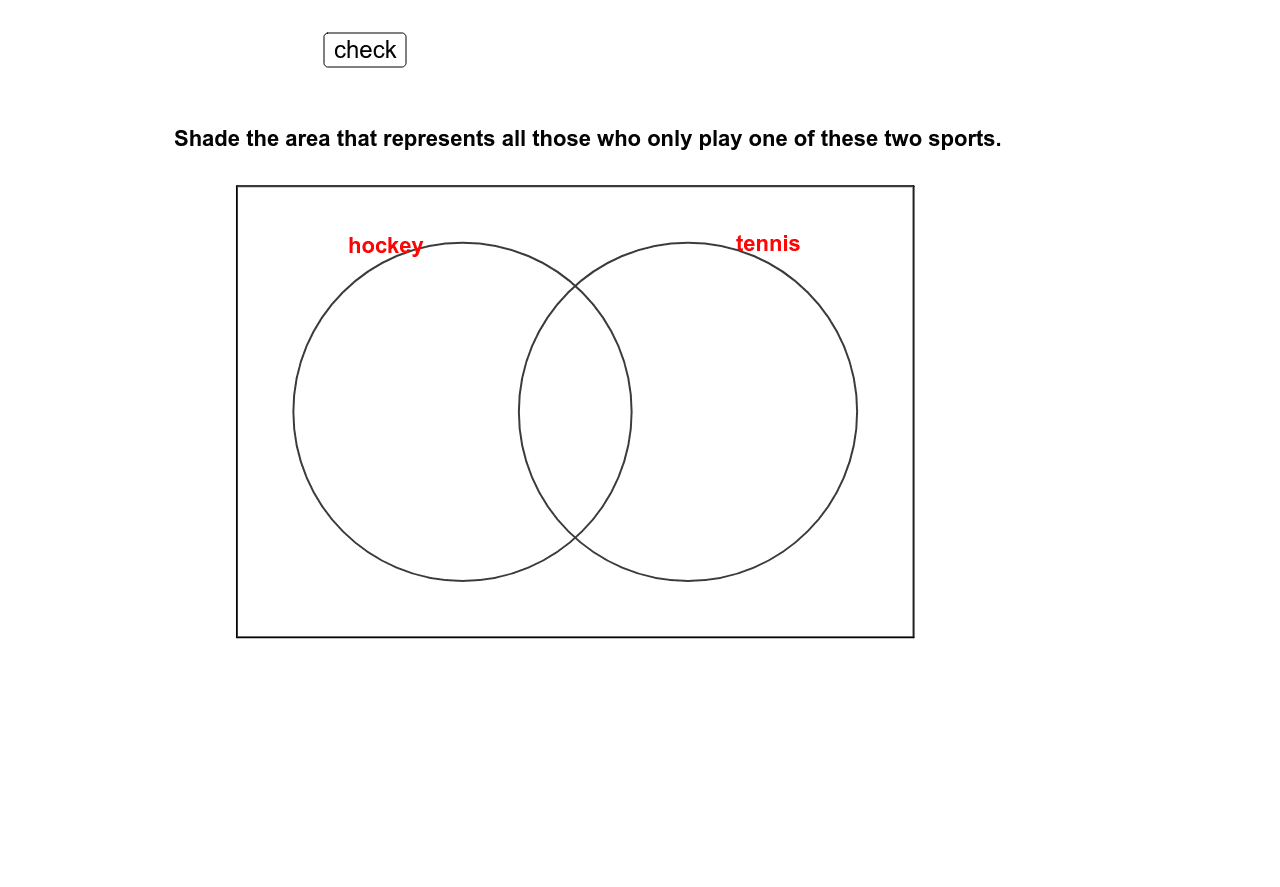
This example demonstrates the construction of a Venn diagram using GeoGebra, showcasing interactions and transformations among geometric elements like polygons, points, and circles; core math concepts include set operations, geometric construction, coordinate geometry, and transformations; construction highlights Polygon, Point, Circle, If, Mod commands/objects from the summary; suitable for high school and above learners for practical understanding of set theory and geometric transformations.
GeoGebra Commands & Parameters
Polygon(A, D, C, B) → poly1, a, d, c, bPoint(xAxis) → EPoint(xAxis) → FCircle(E, G) → eCircle(F, H) → fIf(Mod[tagg, 2] ≟ 0, "white", "green") → colgIf(Mod[tagh, 2] ≟ 0, "white", "green") → colhIf(Mod[tagi, 2] ≟ 0, "white", "green") → coliIf(Mod[tagj, 2] ≟ 0, "white", "green") → coljMod(tagg, 2) → tagg2Mod(tagh, 2) → tagh2Mod(tagi, 2) → tagi2Mod(tagj, 2) → tagj2
AI Drawing Prompt Reference
Draw a Venn diagram consisting of a polygon and two circles. First, draw a polygon, then draw two circles with their centers at the polygon's vertices. Finally, color the circles based on the given rules.
The prompt above was compiled from the original drawing commands and is for reference only.