
Vectors as Complex Numbers Applet 1
Loading the math board and drawing, please wait…
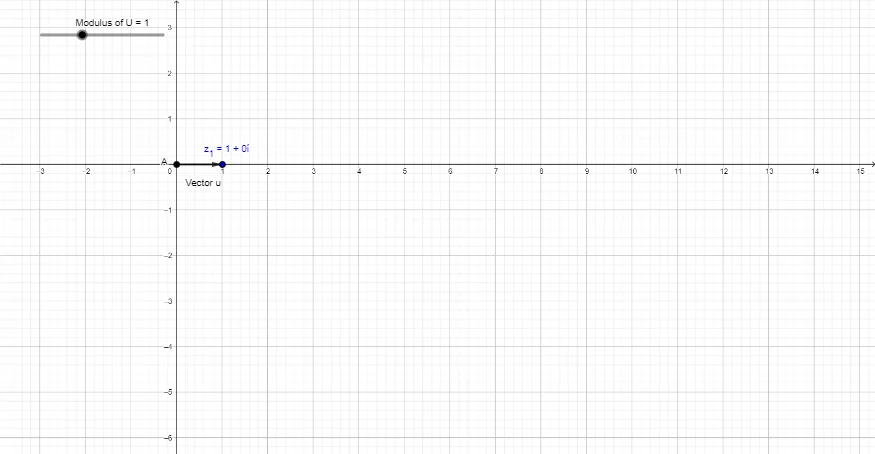
①This applet demonstrates how plane vectors can be represented as complex numbers on an Argand diagram, providing a visual link between vector operations and complex arithmetic. ②Core mathematical concepts include the geometric representation of complex numbers, vector magnitude and argument, the correspondence between complex addition and vector addition, and the use of the Pythagorean theorem to compute magnitudes. ③Construction highlights: using GeoGebra commands such as Point, Circle, Vector, Segment, Intersect, and Angle, the applet builds objects R, A, circle c, B, vector u, segment f, intersection C, angle α, and complex points Z1 and z1, allowing interactive exploration of rotation and scaling. ④Suitable for high school and early college students, this applet serves as an intuitive teaching tool for understanding the equivalence between complex numbers and vectors, and can also support introductory lessons in complex analysis.
GeoGebra Commands & Parameters
Point(xAxis) → ACircle(A, R) → cPoint(c) → BVector(A, B) → uSegment(A, B) → fIntersect(c, xAxis, 2) → CAngle(C, A, B) → α
AI Drawing Prompt Reference
Draw a vector on the complex plane. Start by taking a point A on the x-axis and drawing a circle c with A as the center. Then take a point B on the circle and draw a vector u from A to B. Next, find the second intersection point C of the circle with the x-axis and measure the angle α formed by points C, A, and B.
The prompt above was compiled from the original drawing commands and is for reference only.