
Vector Projection by GeoGebra Materials Team
Loading the math board and drawing, please wait…
In collections
Vectors - Simmons
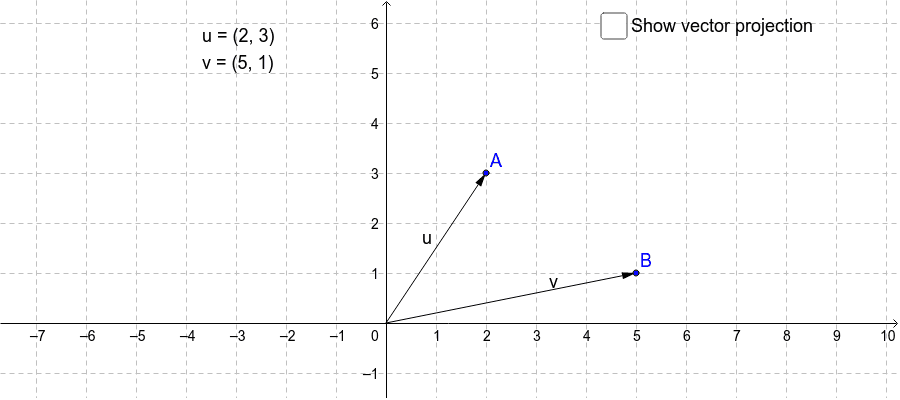
This GeoGebra example illustrates the construction and calculation of the projection of one vector onto another. By defining points A, B and vectors u, v, the activity generates the orthogonal projection vector u₁ of u onto v, along with the corresponding projection line. Key mathematical ideas include the vector projection formula, orthogonal decomposition, and distance from a point to a line. The construction uses GeoGebra commands Vector, OrthogonalLine, Line, and Intersect, together with auxiliary points and text objects for labeling. It is intended for high‑school and early‑university students studying linear algebra, analytic geometry, or vector calculus.
GeoGebra Commands & Parameters
Vector((0.0000, 0.0000), A) → uVector((0.0000, 0.0000), B) → vOrthogonalLine(A, v) → aLine(C, B) → bIntersect(a, b) → DVector((0.0000, 0.0000), D) → u_1Vector(D, A) → u_2
AI Drawing Prompt Reference
Draw the projection u₁ of vector u onto vector v. First, define points A and B, then create vectors u and v. Next, construct a perpendicular line a through A to v, and a line b through B. Line a and b intersect at point D. Connect AD to get vector u₁. Finally, connect AD to get vector u₂.
The prompt above was compiled from the original drawing commands and is for reference only.