
Vector Equation of a Line with Usain Bolt
Loading the math board and drawing, please wait…
In collections
C4 vectors
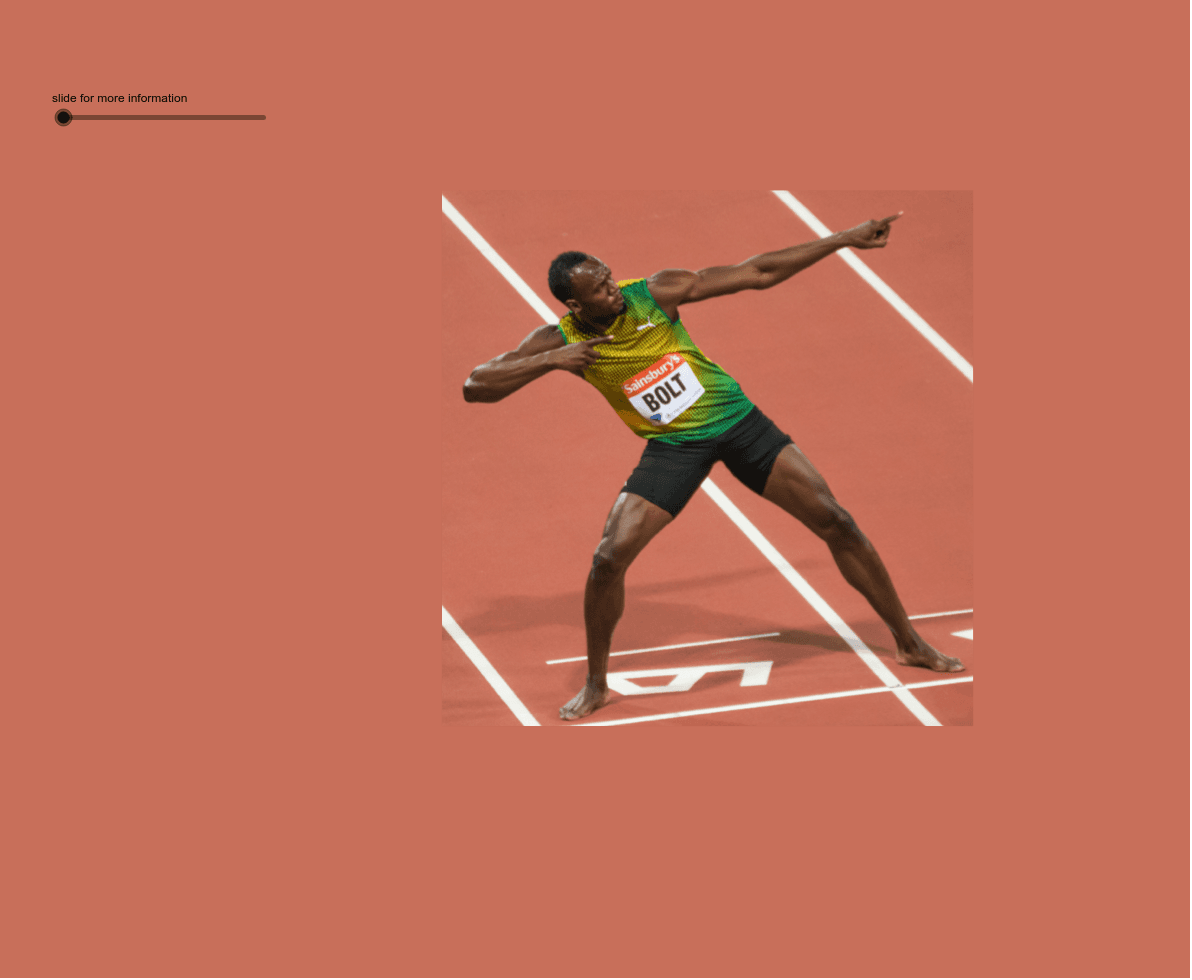
This GeoGebra example uses the sprinting of Usain Bolt as a real-world context to visually demonstrate the vector equation of a line. The core mathematical concept is the vector equation r = a + λd, where a is the position vector of a point on the line, d is the direction vector, and λ is a scalar parameter. Construction highlights: the commands Line, Point, Vector, and Translate are used to build the line, points, vectors, and translations; key objects include the position vector r_position, direction vector direction, a slider for parameter λ, a moving point X, and multiple text labels. By dragging the slider or moving points, learners can observe how the point travels along the line, thereby understanding how varying λ generates the entire line. This resource is suitable for high school or early college analytic geometry and vector lessons, and can also serve as an intuitive demonstration of motion paths in physics.
GeoGebra Commands & Parameters
Line(X, Y) → linePoint(line) → APoint(line) → BVector(O, A) → positionVector(A, B) → directionTranslate(A, direction) → A'Translate(A, w) → r
AI Drawing Prompt Reference
Draw a straight line and select two points on it. Construct a direction vector from the first point to the second, and a position vector from the origin to the first point. Translate the position vector so its tail is at the head of the direction vector, showing the resulting vector. Add a slider to control a moving point on the line, which slides along the line as the parameter changes. Use distinct colors for the line, position vector, direction vector, and moving point, and label key points.
The prompt above was compiled from the original drawing commands and is for reference only.