
Compound Angle Formula Rectangle
Loading the math board and drawing, please wait…
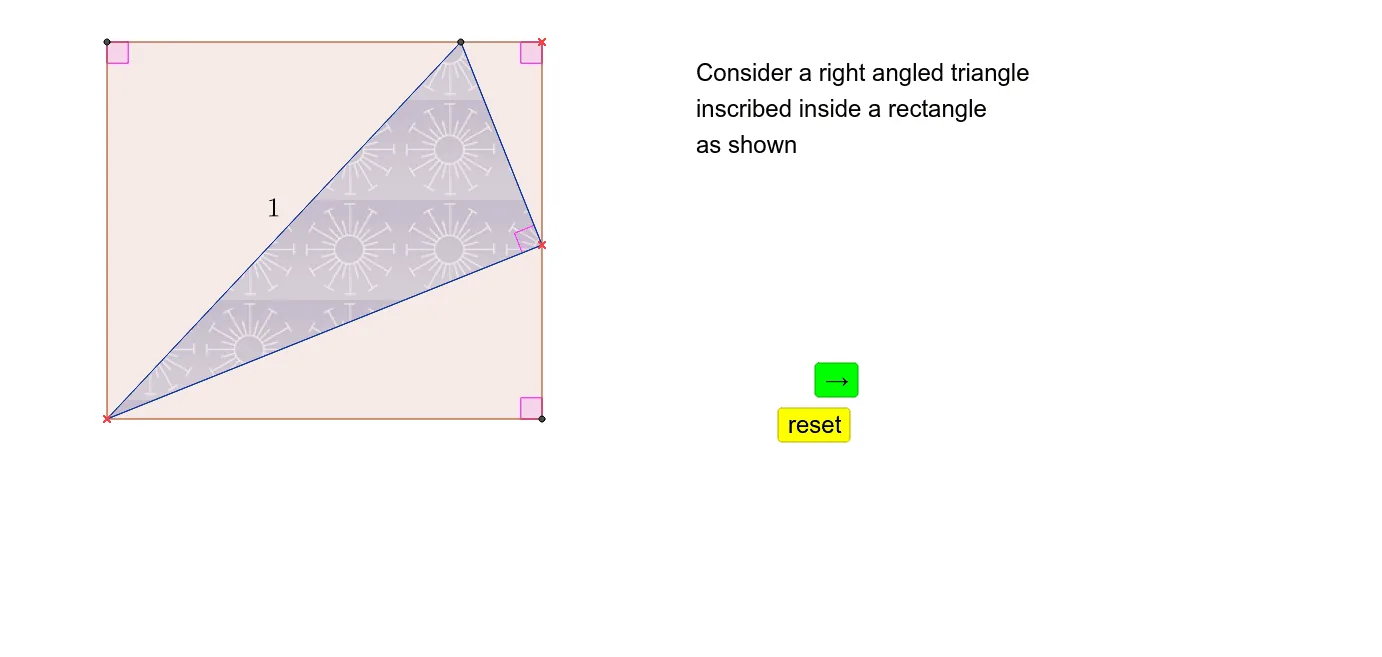
This example demonstrates the application of the compound angle formula in a rectangle. Key mathematical concepts include trigonometry and the compound angle formula. Using GeoGebra commands such as Line, Intersect, and Polygon, the construction of a rectangle and the geometric interpretation of the compound angle formula are shown. Suitable for high school mathematics education and learning.
GeoGebra Commands & Parameters
Line(B, xAxis) → aLine(A, xAxis) → bLine(A, yAxis) → cLine(B, yAxis) → dIntersect(b, d) → CIntersect(a, c) → DPolygon(A, D, B, C) → poly1, a_1, d_1, b_1, c_1Point(poly1) → ESegment(A, E) → eOrthogonalLine(E, e) → fIntersect(f, d_1) → FSegment(E, F) → gSegment(F, A) → hAngle(F, E, A) → θAngle(A, D, B) → ϕAngle(B, C, A) → γAngle(D, B, C) → δAngle(C, A, E) → αAngle(E, A, F) → βAngle(F, A, D) → εAngle(D, F, A) → ζAngle(A, E, C) → ηAngle(B, E, F) → ιMidpoint(A, E) → GMidpoint(F, E) → HMidpoint(A, F) → IMidpoint(A, C) → JMidpoint(E, C) → KMidpoint(B, E) → LMidpoint(F, B) → MMidpoint(D, F) → NMidpoint(D, A) → OPolygon(F, A, E) → poly2, e_1, f_1, a_2